Parts Kitting Process: A Downtime-Reduction Checklist
By MDMS Team · 18 August 2026
Parts Kitting Process: A Downtime-Reduction Checklist
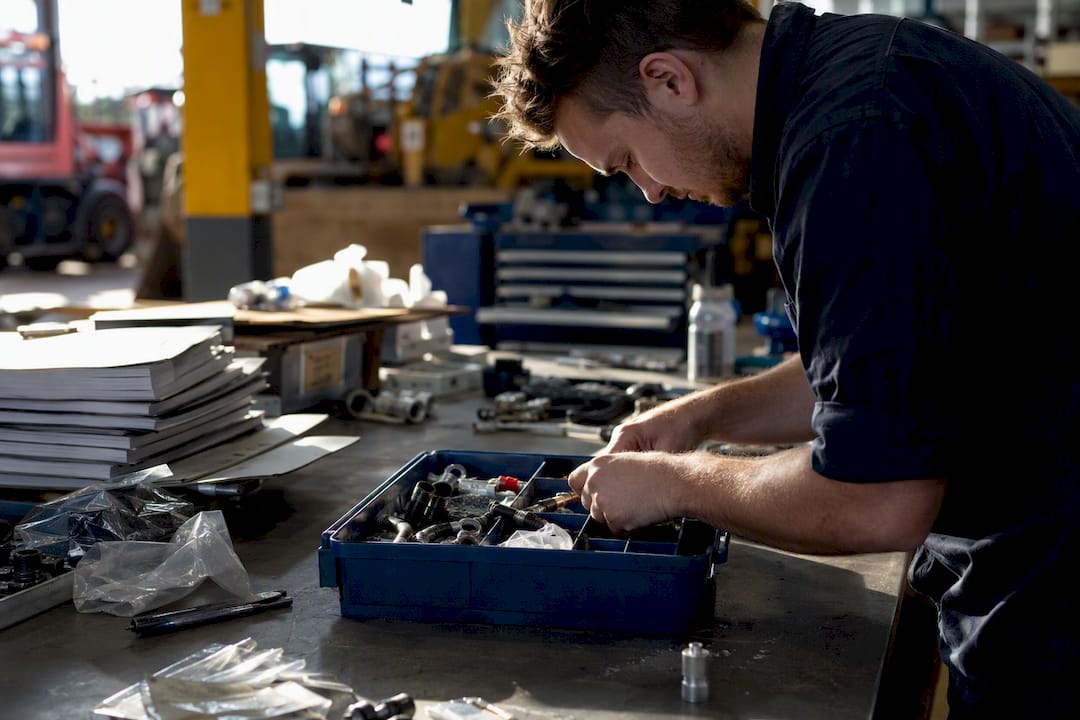
The parts kitting process assembles and verifies every part, tool, and document needed for a scheduled job so the technician can start work without searching for materials. The immediate outcome is a ready-to-execute work order that cuts wrench time and shrinks unplanned downtime. Your next step: pick one recurring PM route or an upcoming shutdown task and pilot kitting on it before rolling out further.
Kitting works alongside your existing systems, not around them. Most planners trigger kits from a CMMS or ERP work order, apply JIT or JIS sequencing logic on the assembly side, and lean on documented procedures like the ones IDCON publishes for materials management teams.
- Definition: a kit bundles the exact parts, consumables, tools, and paperwork one job requires.
- Outcome: technicians start once, work continuously, and stop hunting for missing components.
- Next action: audit one recurring PM route this week and identify every part it consumes.
Key Takeaways
A parts kitting process cuts downtime by shifting parts search, verification, and error-proofing upstream of the job start rather than leaving technicians to hunt for materials mid-task.
| Point | Details |
|---|---|
| Start with recurring PM routes | Score work orders by frequency, impact, and complexity before committing storeroom labor to kitting. |
| Follow the nine-step checklist | Define, reserve, pick, verify, package, stage, deliver, and reconcile every kit against its work order. |
| Verify before staging, not at the line | Use barcode scans, weight checks, or photo verification to catch errors at the bench. |
| Track five core KPIs | Monitor kit accuracy, fill rate, time-to-kit, kits per labor-hour, and return rate weekly. |
| Pilot in weeks, scale in months | A simple pilot runs 4 to 6 weeks; ERP-integrated programs take 3 to 6 months. |
| Software closes the loop | Moderndms centralizes kit SKUs, reservations, and returns reconciliation in one parts and warehouse module. |
Table of Contents
- What Is the Parts Kitting Process, and How Does It Differ From Staging?
- What Are the Real Benefits of Parts Kitting for Maintenance Teams?
- Which Work Orders Should You Kit First?
- What Are the Steps in the Kitting Process?
- What Technology Do You Need to Scale a Kitting Program?
- Which KPIs Prove Kitting Is Actually Working?
- How Long Does It Take to Launch a Kitting Program?
- What Do Practitioners Say Actually Goes Wrong?
- See How Parts and Warehouse Software Powers Kitting
- Sources
- FAQ
What Is the Parts Kitting Process, and How Does It Differ From Staging?
Kitting, staging, and sequencing get used interchangeably on shop floors, but they’re distinct operations with different owners and different system triggers. Getting the vocabulary straight matters because it determines who’s accountable when a kit shows up short.
Parts kitting is the act of picking and packaging every component, consumable, and document a specific work order needs into one identifiable unit, usually tied to a kit SKU in your inventory system. Staging is what happens after the kit exists: placing it at a defined drop point, ready for pickup, ahead of the scheduled work start. Sequencing goes a step further, delivering kits or components in the precise order an assembly line needs them, which is the core idea behind Just-in-Sequence (JIS) delivery.
| Term | What it means | Who typically owns it | System trigger |
|---|---|---|---|
| Kitting | Picking and packaging parts for one job into a single unit | Storeroom or kitter | Work order release in CMMS/ERP |
| Staging | Placing a completed kit at a drop point before work starts | Warehouse/logistics | Kit completion, not job start |
| Sequencing (JIS) | Delivering parts in line-build order | Materials handler | Production schedule, not inventory count |
A kit SKU exists so your WMS can track a bundled item as one unit rather than a dozen loose line items. The verification or quality gate is the checkpoint, usually a scan, weigh, or photo step, that confirms the kit matches its bill of materials before it ever reaches a technician.
What Are the Real Benefits of Parts Kitting for Maintenance Teams?
Kitting’s biggest payoff is time recovered from searching, not time saved on the wrench itself. Removing search time at job start is exactly what drives the downtime reduction IDCON documents in its materials management research, and it’s the single easiest KPI to defend to a plant manager skeptical of a new process.
Kitting also functions as an upstream error-proofing step. Bundling predetermined components into one verified unit catches mismatched parts before they reach the line rather than after, which is a documented driver of reduced assembly defects and rework, according to ShipBob’s analysis of kitting operations.
- Lower mean time to repair (MTTR), because technicians aren’t walking to the storeroom mid-job.
- Fewer assembly errors, since verification happens before the part reaches the line, not after.
- Higher planned work percentage, because kitted jobs rarely stall for missing materials.
- Better first-time fix rates on both maintenance and production work orders.
Pro Tip: Track wrench-time-lost-to-parts-hunting for two weeks before you kit anything. That baseline number is what sells the pilot to finance.
One sequencing and kitting program cited by Wolverine LLC completes hundreds of thousands of assemblies annually with near-zero quality escapes, a result the company attributes directly to verification gates built into the kitting process rather than caught downstream on the line.
Which Work Orders Should You Kit First?
Not every job deserves a kit. Kitting a one-off emergency repair wastes storeroom labor on something that will never repeat, while skipping kits on your highest-frequency PM routes leaves your biggest downtime lever untouched. Recurring preventive maintenance routes are prime candidates precisely because the parts list repeats every cycle, a point Fabrico’s maintenance kitting guide makes central to its recommendation for where to start.
Score candidate work orders on three factors before committing storeroom labor:
- Frequency — how often does this job or route recur on the schedule?
- Impact — what’s the downtime cost if this job stalls for missing parts?
- Complexity — how many distinct SKUs does the bill of materials touch, and how often does the BOM change?
Multiply the three (even a rough 1 to 5 scale per factor) and rank your work order backlog by the resulting score. High-frequency, high-impact, moderate-complexity jobs top the list every time.
Common exclusions worth naming upfront:
- True emergency reactive work, where there’s no lead time to build a kit anyway.
- Very low-cost, single-part jobs where a missing item causes no meaningful delay.
- High-volume, stable production lines where line stocking often outperforms kitting, since kitting can introduce double-handling that TryHarmony’s analysis of kitting economics flags as a real risk on lines that don’t have high mix variation.
What Are the Steps in the Kitting Process?
A kit that works in practice, not just on paper, follows nine discrete steps. Skip verification or compress the timeline and you’ve built a shortage generator instead of a solution.
1. Define the kit. The planner sets the bill of materials, approved substitutes, and target work order. This step happens once per job type and then repeats automatically for recurring PM routes.
2. Reserve stock. Your CMMS or WMS soft-reserves the components against the work order the moment it’s scheduled, preventing another job from consuming the same parts.
3. Generate the pick list. The system produces a pick list tied to bin locations, ideally triggered five to seven working days before the work order start date. That lead time comes directly from MapTrack’s parts kitting procedure template, which balances enough runway to resolve shortages against the risk of tying up inventory too far ahead.
4. Pick. A storeperson or kitter pulls each item against the list, ideally using a mobile device rather than a paper printout.
5. Verify. This is the gate that prevents multiplied errors downstream. Three acceptable verification methods, in order of typical cost and rigor:
- Barcode scan — confirms exact part number and quantity, fastest for high-SKU kits.
- Weight check — flags a missing or extra item on kits with consistent component weight.
- Photo verification — useful for kits with visually distinct parts or where scanning infrastructure isn’t in place.
6. Package and label. The kit gets labeled with the work order number, kit SKU, and pick date, so anyone handling it downstream knows exactly what it’s for.
7. Stage. The completed kit moves to a defined drop point, ideally a secured or clearly marked location the technician already knows to check.
8. Deliver or hand off. The technician collects the kit or it’s delivered to the job site, with a signature or scan confirming hand-off.
9. Return and reconcile. Unused parts get logged back into inventory, and shortages or substitutions get recorded against the work order for cost accuracy.
Two rules keep this checklist from breaking down in practice. First, don’t kit weeks ahead of the job. Staging a kit too far in advance ties up inventory and invites rework if the schedule shifts, so days to one week out is the workable range. Second, avoid partial kits as a default position. A documented partial-kit policy, one that names exact thresholds for when a partial kit is acceptable, prevents technicians from starting a job they can’t finish and draining inventory on a job that stalls anyway.
Pro Tip: Verify at the kitting bench, not at the line. Every error caught after a kit ships gets multiplied by every technician who touches that job, while an error caught at the bench costs you thirty seconds.
What Technology Do You Need to Scale a Kitting Program?
Software determines whether kitting scales past one storeroom lead’s memory. The features that matter most:
- Pick-list generation from the schedule, so kits trigger automatically off work order release rather than a manual request.
- Kit reservation logic, soft-locking components the moment a job is scheduled.
- Work-in-progress tracking for kit builds, showing which kits are picked, verified, staged, or delivered at any moment.
- Auto-replenishment, refilling kit components as they’re consumed rather than waiting for a stockout.
- Serial number and lot tracking, critical for warranty and traceability on regulated or high-value components.
- Returns reconciliation, closing the loop when unused parts go back into stock.
On the hardware side, barcode scanning and pick-to-light systems cut pick errors on high-volume storerooms, while weight-check stations and photo verification work well for lower-volume, higher-mix operations that can’t justify pick-to-light infrastructure. Mobile tablets at pick stations and label printers round out a functional bench setup.
Outsourcing kitting to a third-party logistics provider or distributor is worth evaluating when your BOM complexity exceeds your storeroom’s labor capacity. OEM Off-Highway notes that distributors offering kitting as a value-added service can free up cash flow by delivering ready-to-use assemblies, though it requires solid EDI or ASN integration so your MRP system still sees accurate inventory positions. In-house kitting keeps more control over lead time and quality gates but demands the labor and space to support it.
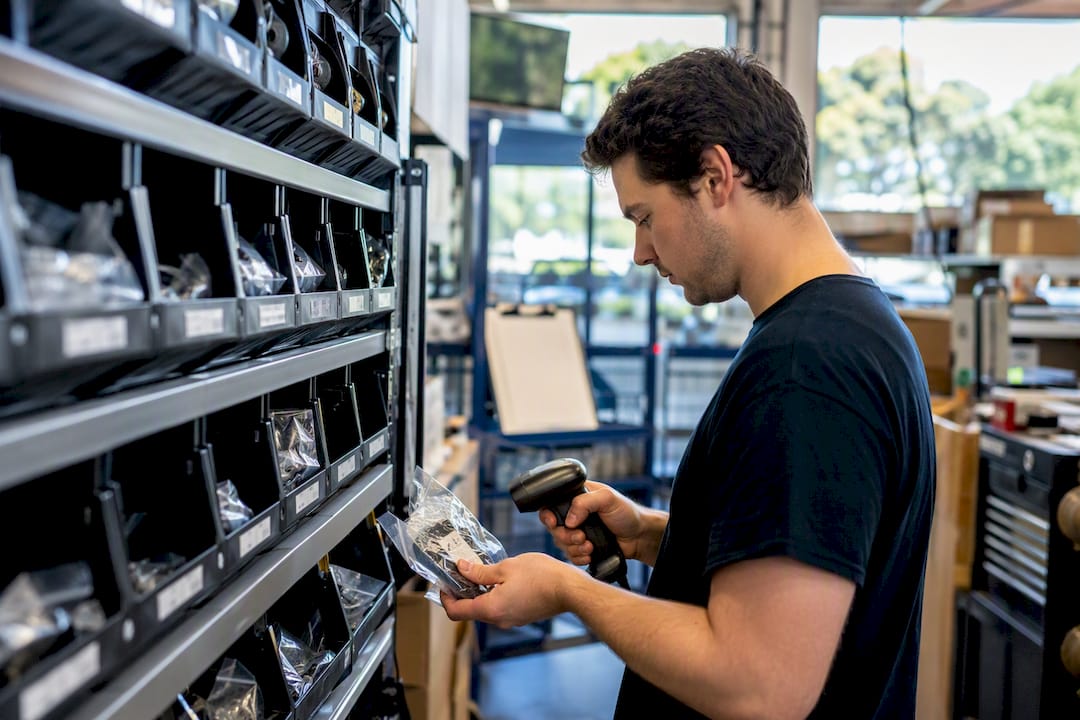
A platform that centralizes parts inventory and kit SKUs removes a lot of the manual reconciliation that makes kitting fall apart at scale.
Which KPIs Prove Kitting Is Actually Working?
Five metrics tell you whether a kitting program is paying for itself or quietly draining inventory:
- Kit accuracy — the percentage of kits that match their BOM exactly at verification.
- Fill rate — the percentage of kits completed without a shortage.
- Time-to-kit — hours or days between kit trigger and kit-ready status.
- Kits built per labor-hour — your storeroom’s kitting throughput.
- Return rate — the percentage of kits coming back with unused parts, a signal your BOMs need tightening.
Record every kit transaction against the originating work order in your CMMS or WMS so these metrics tie back to actual asset cost records, not a separate spreadsheet nobody trusts. A useful dashboard tracks kit ID, work order number, planner, pick date, verification method used, any shortages or expedites logged, and unused parts returned.
Martin Supply’s kitting best practices recommends tracking time-to-kit and fill rate as the two leading indicators, since both surface process breakdowns before they show up as missed maintenance windows.
How Long Does It Take to Launch a Kitting Program?
Timeline depends entirely on scope. A simple pilot on one PM route with no new system integration typically runs 4 to 6 weeks from decision to first kit delivered. A complex program spanning multiple work centers with ERP or MES integration runs 3 to 6 months, most of that time spent on process design, staff training, and systems work rather than the kitting itself.
Pilot checklist for the simple end of that range:
- Select one repeatable PM route or a scheduled shutdown task.
- Define kit BOMs and document approved substitutes for common shortages.
- Set kitting lead time (5 to 7 working days, per the MapTrack procedure template).
- Assign clear roles: who picks, who verifies, who stages.
- Configure the CMMS or WMS pick-list flow to trigger off work order release.
- Establish a verification gate and a return/reconciliation loop before day one.
Train kitters on the verification method you’ve chosen, whether that’s scanning, weighing, or photo checks, and establish a weekly review between the planner, buyer, and storeroom lead during the pilot period. That cadence catches shortage patterns and BOM errors before they compound.
Pro Tip: Run your pilot on a route you already know intimately. A kitting failure on an unfamiliar job type is impossible to diagnose. A failure on a route you’ve run fifty times tells you immediately whether the problem is the kit or the schedule.
What Do Practitioners Say Actually Goes Wrong?
Three mistakes repeat across nearly every failed kitting launch. Kitting weeks ahead of the job ties up inventory and creates rework when schedules shift; keep the trigger inside the five to seven day window and let the planner own that discipline. Skipping verification to save time multiplies errors downstream instead of catching them at the bench; the storeroom lead owns that gate, no exceptions. And undocumented partial kits invite technicians to start jobs they can’t finish; write the threshold policy before your first pilot, not after the first shortage.
Build a short feedback loop between kitters and technicians. The people opening kits at the job site see BOM errors the storeroom never will.
See How Parts and Warehouse Software Powers Kitting
Kitting only scales as far as your systems let it. A purpose-built parts and warehouse module handles the mechanics that trip up spreadsheet-based kitting programs: dedicated kit SKUs, automatic reservations tied to work order release, returns reconciliation that actually closes the loop, and reporting that ties kit accuracy back to real cost records.

Moderndms was built for equipment dealerships running parts, service, and rental operations off disconnected systems and paper job cards, and the parts and inventory management module gives storeroom leads the reservation logic, pick-list automation, and lot tracking that a scaling kitting program needs without bolting on a separate warehouse system. Setup takes under an hour, and your team keeps full ownership of the data with no lock-in. If your dealership is running maintenance kitting or build-order kitting on spreadsheets today, see the industrial equipment dealer platform and book a walkthrough of how the parts module handles kit builds end to end.
Sources
- Kitting and staging parts | IDCON
- Boost efficiency: kitting and sequencing services in 2026 | Wolverine LLC
- Free Parts Kitting Procedure Template (PDF) | MapTrack
- Maintenance kitting: definition, benefits, and how to start | Fabrico
FAQ
What is parts kitting?
Parts kitting is the process of picking, packaging, and verifying every component, tool, and document a specific job requires into one identifiable unit, so a technician can start work without gathering materials from multiple locations.
What is the kitting process step by step?
The kitting process runs through nine steps: define the kit, reserve stock, generate the pick list, pick, verify, package and label, stage, deliver, and return/reconcile unused parts against the work order.
What is the process of kitting in manufacturing?
In manufacturing, kitting pulls the exact parts a work order or assembly step needs, verifies them against the bill of materials using a scan, weight check, or photo, then stages the kit at a defined drop point ahead of the scheduled start.
Can you give an example of kitting in a warehouse?
A common warehouse example is a recurring PM route: the storeroom picks the filters, seals, and lubricants that route always requires, verifies the kit against its BOM, labels it with the work order number, and stages it for the technician five to seven days before the scheduled service date.
How does software like Moderndms support the kitting process?
A parts and warehouse module with dedicated kit SKUs automates reservation, pick-list generation, and returns reconciliation, which removes the manual tracking that causes shortages and inventory drift in spreadsheet-based kitting programs.