Top 5 Equipment Rental Fleet Management Software Alternatives 2026
By MDMS Team · 16 July 2026
Top 5 Equipment Rental Fleet Management Software Alternatives 2026
Managing equipment rental fleets with manual processes or fragmented systems leads to missed reservations, billing errors, and lost asset history. Many software platforms gate advanced fleet management behind custom sales quotes, modular pricing, or integrations that do not fit every dealer workflow. This comparison lays out features, integration scope, and pricing across five dealer management systems so your team can match a fit without sales friction.
Table of Contents
- Modern Dealer Management System (MDMS)
- Quipli
- RentHub
- Wynne Systems Enterprise Rental ERP Software
- Flyntlok
- Comparison of alternatives
Modern Dealer Management System (MDMS)
At a Glance
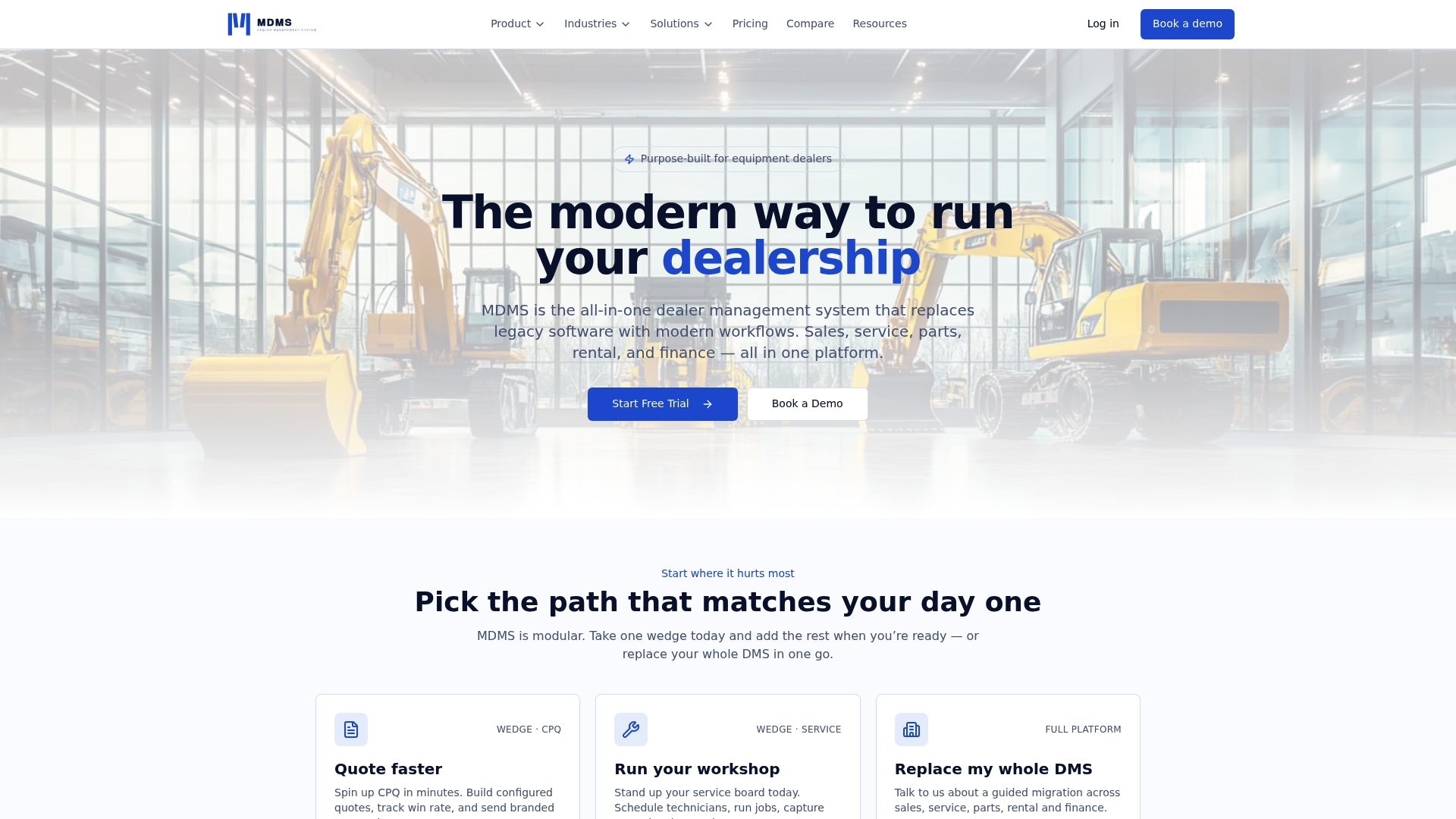
The vendor advertises self service setup that can get a dealership live in under an hour. MDMS targets Australian equipment dealers with native GST invoicing, PPSR support, and Xero accounting sync. The platform combines sales, service, parts, rental, warranty, and finance in a single cloud native DMS.
Core Features
MDMS centralizes CRM, sales and quoting with CPQ capabilities, serial tracked equipment, and rental contracts with billing and lifecycle tracking. The system includes workshop service and work orders, mobile field service with offline capability, build order management, and customer facing portals for order progress and job status. General ledger, BAS support, and integrated payments connect operational activity to accounting.
Key Differentiator
MDMS focuses on Australian dealer workflows and compliance rather than adapting a US product. It includes native GST handling and PPSR awareness, plus a mobile field app that works offline and syncs automatically. That combination supports dealers that need local tax, warranty, and build order flows without bespoke development.
Pros
Self service setup reduces dependency on lengthy implementations and can get small dealers operational the same day. The vendor reports up to 10 hours per week saved in administrative work by customers. The browser based interface and role based workflows help user adoption across sales, parts, and service teams. Offline capable mobile field service lets technicians record work without signal and sync when they return. Modular pricing lets you pay for only the modules your dealership needs.
Cons
- Limited OEM factory EDI integration; some OEM data must be imported via bulk file uploads.
Notable Integrations
- Xero accounting sync for export of invoices, payments, and ledger transactions.
Who It’s For
Australian equipment and machinery dealers that need a single cloud native dealer management system covering sales, service, parts, rental, and finance. It fits dealers who prioritize local tax and warranty workflows, fast self service onboarding, and field technicians that must work offline. Larger multi dealer groups may still require migration support.
Unique Value Proposition
Complete data ownership with no lock in for your dealer records. The vendor states customers retain control of their data and can move it without being tied to long term contracts. That setup reduces the risk of vendor lock in while keeping your accounting and operations data portable.
Real World Use Case
A regional construction equipment dealer moved from a legacy Windows system to MDMS, set up in an afternoon, and went live the same day. They now manage sales, service, parts, warranties, and field technicians through the mobile app while syncing financials to Xero.
Pricing
Core modules start at A$59/month, with the General Ledger and Operations module up to A$259/month. Optional professional services are available for migration and training.
Website: https://moderndms.com.au
Quipli
At a Glance
$6,000 flat fee per rental location per year. No additional charges apply for unlimited users or inventory, and discounts apply for multiple locations. That pricing makes per-location budgeting predictable for medium to large rental yards.
Core Features
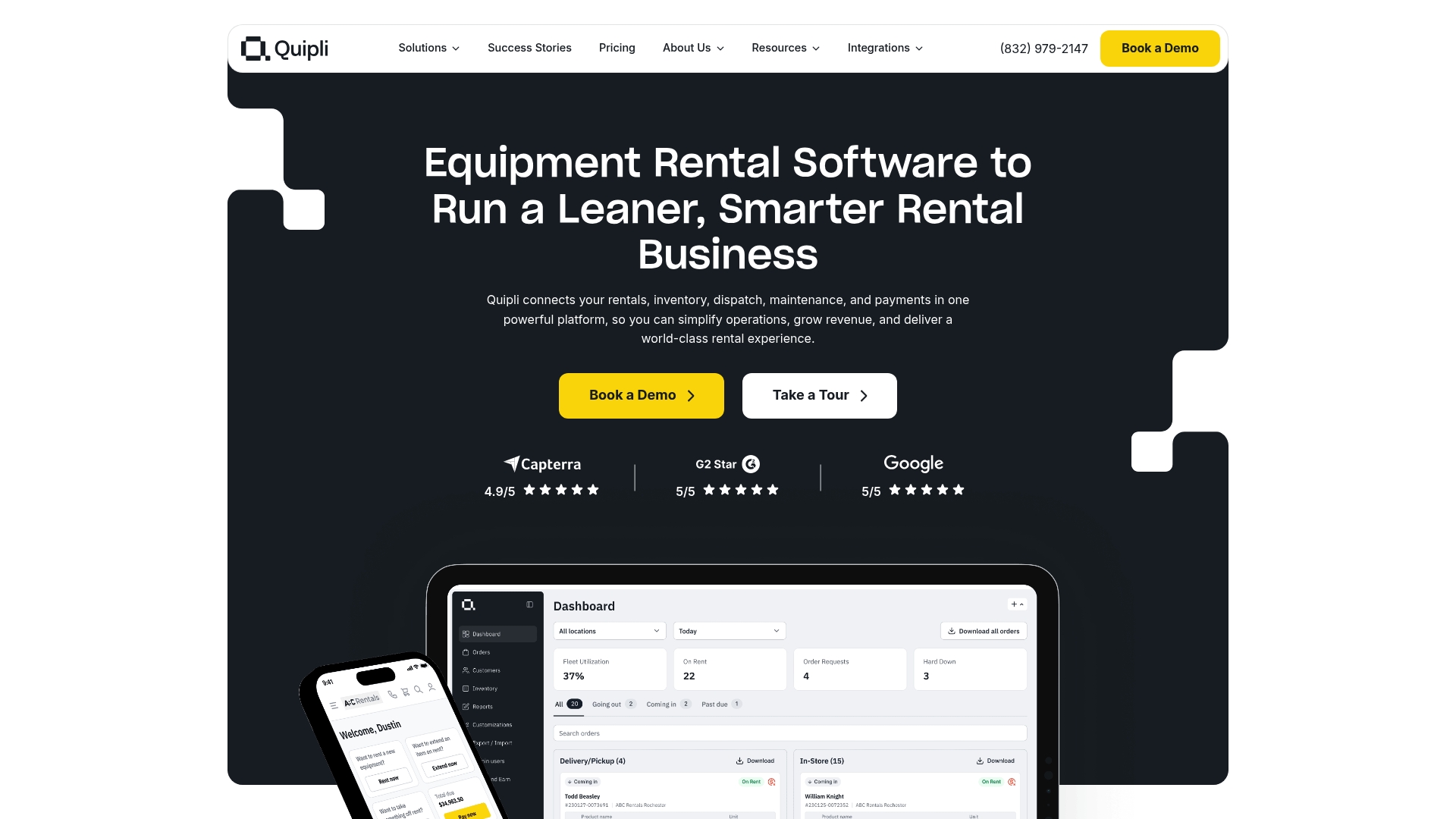
Quipli handles reservation and booking management alongside inventory tracking and service scheduling. The platform includes an online storefront and customer portal for bookings, payments, and self-service account access. Multi-location support and a direct QuickBooks Online connection keep bookkeeping aligned with operations.
Key Differentiator
Quipli’s main distinction is its all-in-one focus for heavy equipment and tool rental. It combines customer-facing online rentals with back-office inventory, maintenance, dispatch, and billing in one product. That single-product approach suits rental teams that want fewer vendors and a single data source.
Pros
The reservation system is intuitive, and setup gets your team running quickly. Reporting covers utilization, location performance, and revenue, which helps you prioritize fleet investment. Customer support is responsive and resolves implementation issues at a practical pace. Direct integration with QuickBooks Online and flexible online checkout reduce manual invoice reconciliation.
Cons
-
Limited advanced asset tracking: some users report basic telemetry and barcode workflows are missing or less mature than dedicated trackers.
-
Tracking feature gaps: the platform is reportedly improving in this area, so feature completeness may vary by release cadence.
-
Niche fit: the product targets heavy equipment and tool rental, so it may not match requirements for boats, event gear, or specialty nonconstruction fleets.
When It May Not Fit
If you need granular telematics or native GPS-grade asset tracking, Quipli may not meet that requirement. If your rental inventory focuses on boats or event equipment, the feature set may miss sector-specific needs. Larger enterprises with bespoke asset-tracking contracts could find the platform too general for those workflows.
Notable Integrations
- QuickBooks Online
- Stripe
- TaxJar
- Google Maps
- Hapn
Who It’s For
Heavy equipment and tool rental companies that want an all-in-one, user-friendly system across multiple locations. Teams that want online booking, integrated billing, and centralized inventory reporting will find the product aligned with those aims. Organizations that prefer one vendor over a patchwork of point tools will appreciate the single-platform model.
Real World Use Case
A construction equipment rental company uses Quipli to publish an online storefront, accept reservations, and schedule maintenance from the same system. The team reduced back-office touchpoints by moving invoicing into the platform and syncing it to accounting. Customers book and pay through the portal, freeing staff for yard tasks.
Pricing
Quipli charges $6,000 per rental location per year, with no extra fees for unlimited users or inventory. Discounts are available for customers with multiple locations. The flat per-location model simplifies yearly budgeting for multi-yard operators.
Website: https://quipli.com
RentHub
At a Glance
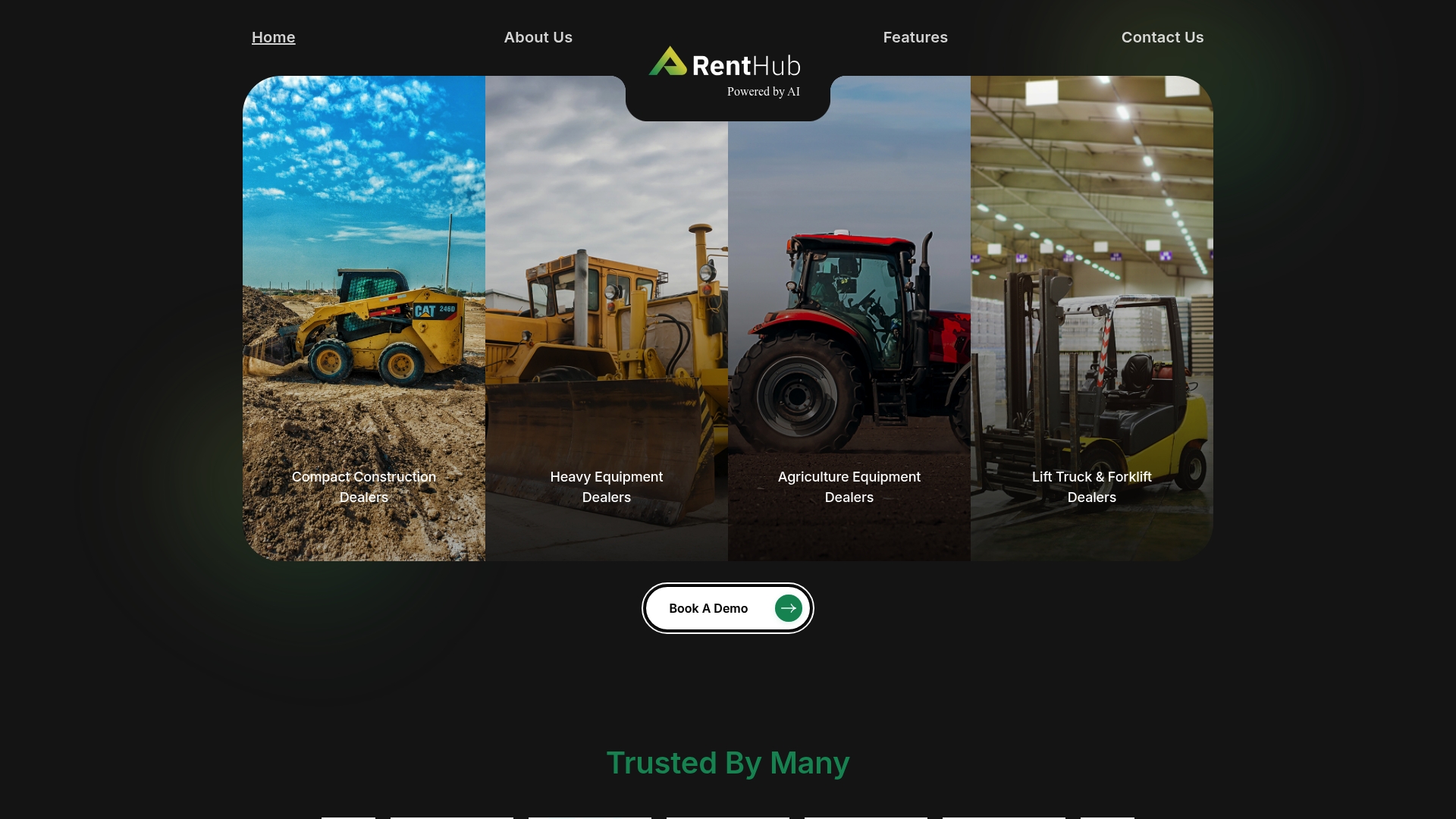
The vendor says RentHub was built by dealers for dealers. It emphasizes a modular structure that dealers can configure for specific rental workflows. The interface is mobile responsive, so your team can control fleet actions from the office, job site, or on the road.
Core Features
RentHub centralizes fleet management with full unit history and operational metrics, and it offers quick financial overviews for single units and entire fleets. The system supports role based presets, user specific views, smart filters by equipment type status and location, and reservation selection with adjustable presets. It also handles document management with e sign and file housing, delivery logistics, and one stop billing with invoice processing.
Key Differentiator
RentHub’s selling point is that dealer teams shaped the product and its workflows. That dealer first approach shows up in modular customization and automation options you can tune per location. The cloud deployment aims to let your team adopt new modules without long on site installs.
Pros
The user interface reads clearly for rental clerks and dispatchers, which reduces time spent searching for unit records. Automation covers common rental steps such as reservations, inspections, and billing rules, which lowers manual handoffs between rental and accounting. Modular options let you add or remove capabilities so adoption can follow your priorities. Being cloud native means updates hit all locations at once and mobile access works without extra configuration.
Cons
- According to vendor materials, third party reviews did not report major limitations.
- Pricing is not publicly listed, so quotes appear to be provided on request or during demos. This makes budgeting harder before contact.
- Integrations list is limited to four partners, which may not include every accounting or telematics provider your shop uses.
Notable Integrations
- Charter
- Ideal
- DIS
- C Systems
Who It’s For
Your team if you run equipment dealerships and need a rental management system designed around dealer workflows. RentHub fits organizations that want configurable views for roles and locations. It also suits rental managers who prefer a cloud solution with mobile access for field staff.
Real World Use Case
A dealer with multiple locations centralizes unit records and maintenance history in RentHub, automates billing rules across branches, and reduces duplicate data entry between rental and parts teams. That consolidation speeds turn around on reservations and improves billing accuracy.
Pricing
Pricing is not publicly listed. RentHub appears to offer custom quotes or demo based pricing that reflect module selection and number of locations.
Website: https://renthubrms.com
Wynne Systems Enterprise Rental ERP Software
At a Glance
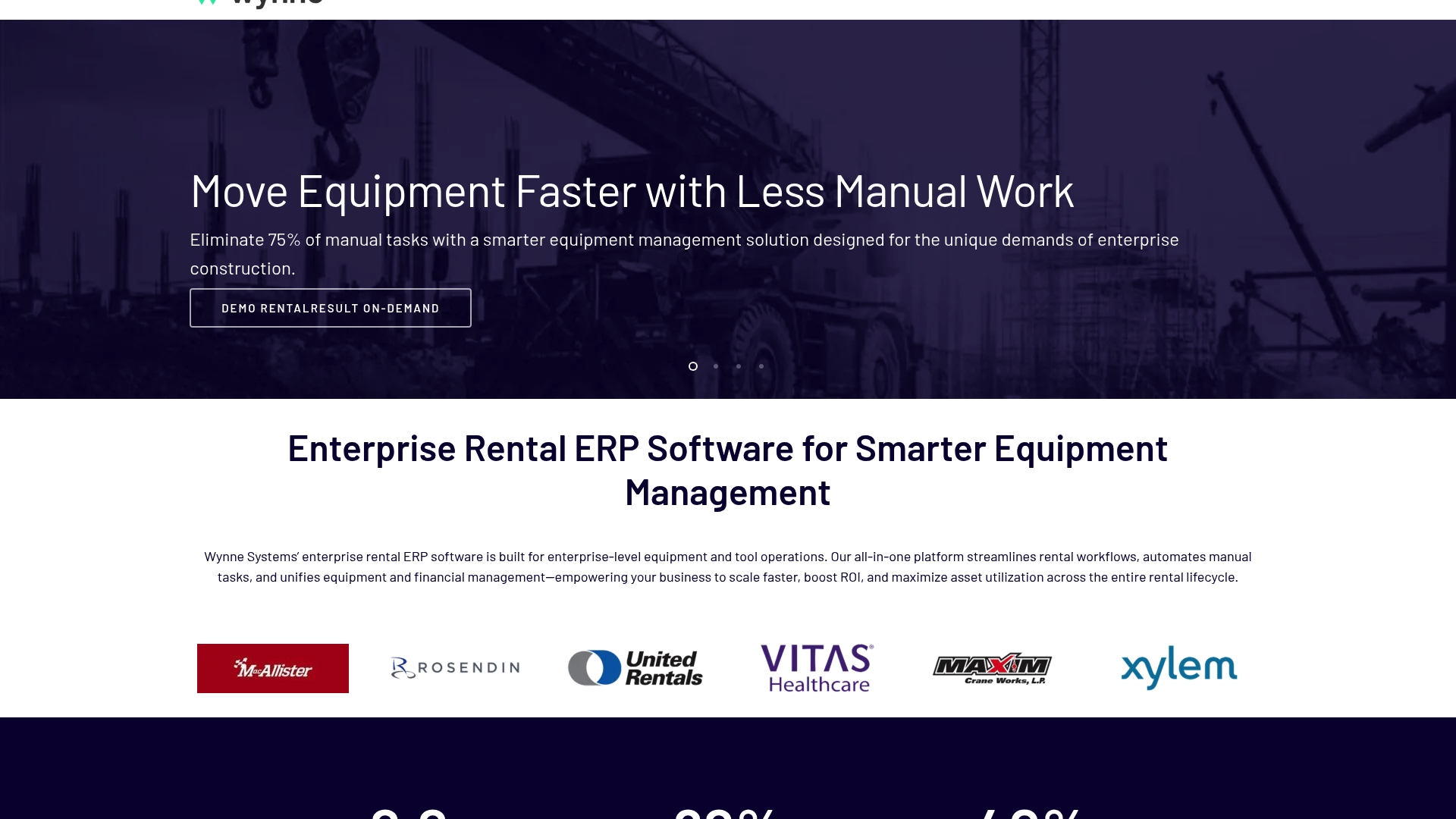
Wynne ships three named products: RentalMan, RentalResult, and EquipFlows. Those modules cover fleet operations, financials, and workflow automation for large rental operations, and the suite includes mobile apps and client portals that surface live asset data for field teams.
Core Features
A unified rental management core ties operational records to finance and asset histories so your team does not rekey data. The system delivers real time analytics and reporting for utilization and cost tracking, and mobile apps let yard and field staff update serial numbers, locations, and work orders on the move. Industry specific templates reduce initial setup for construction, health care, and heavy equipment workflows.
Key Differentiator
Wynne concentrates on enterprise scale by combining deep third party connectivity with industry tailored modules. The platform emphasizes integrations with ERPs, CRM systems, telematics, and e commerce platforms so data flows between finance, fleet telematics, and sales. That integration focus makes Wynne suited to operations that already run multiple back office systems and need a single source for rental lifecycle data.
Pros
Third party reviews praise quick dashboard creation and practical client reports, which helps teams get usable analytics fast. The product supports flexible customization and can adapt to complex billing, tax, and contract rules that large enterprises use. Mobile applications and field functionality reduce paperwork and let your team record equipment moves, inspections, and returns at the point of work. Integration options shorten the path to tie rental activity into corporate finance and telematics feeds.
Cons
- Navigation can be complex for new users, which raises training time and initial friction.
- Some customization requires extra development effort or middleware, adding project scope and cost.
- Complex environments may need dedicated vendor support and onboarding resources to reach steady state.
When It May Not Fit
If your fleet is small and you need a minimal, out of the box rental system, Wynne may be more than you need. Organizations without internal IT resources should plan for vendor or partner led implementations. If the priority is a simple standalone rental app for local jobs, a lighter weight product will likely deliver faster return on investment.
Notable Integrations
Wynne lists integrations with major ERP systems, CRM platforms, telematics providers, e commerce platforms, and accounting and billing systems. Those connectors let you push rental invoices to finance, ingest GPS and equipment telemetry, and surface customer orders from commerce platforms.
Who It’s For
Large construction firms, multinational rental houses, and healthcare providers with multi site fleets will find Wynne appropriate. Your team should expect to manage integration projects and invest in configuration to match enterprise workflows. The product fits organizations that require unified operational and financial rental records.
Real World Use Case
A multinational construction firm used RentalMan to coordinate fleet allocation across projects, automate procurement approvals, and capture project level cost in real time. Field crews recorded returns and inspections on mobile apps, and finance teams reconciled rental invoices against project budgets without manual entry.
Pricing
Public materials list pricing as not applicable and informational only. Wynne typically engages enterprise buyers with custom proposals and implementation estimates. You must contact Wynne Systems for a tailored price and scope.
Website: https://wynnesystems.com
Flyntlok
At a Glance
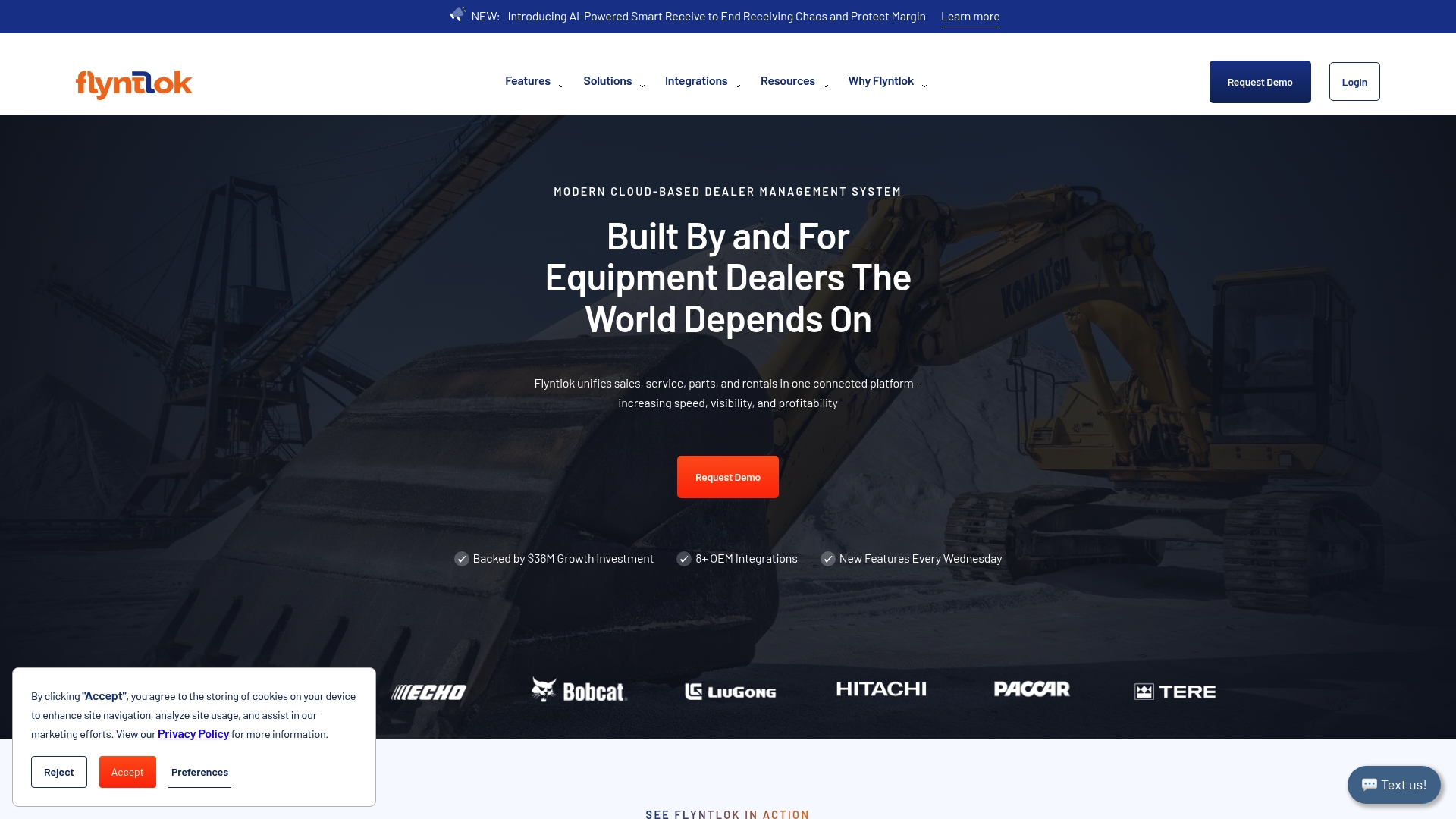
Built from scratch on modern SaaS architecture, Flyntlok combines sales, service, parts, rentals, accounting, POS, CRM, and AI into one platform. The vendor positions the system for construction, heavy equipment, agriculture, and outdoor power dealers. That unified scope gives dealers a single source for rental and inventory visibility across departments.
Core Features
Flyntlok centralizes Parts Management and procurement workflows and ties them to POS and accounting so inventory moves update financials in real time. The platform includes Service Management for work orders, technician tracking, and job costing alongside rental management for utilization and revenue tracking. AI for Dealers adds inventory optimization, customer re-engagement, and operational recommendations based on live data.
Key Differentiator
This product was built specifically for equipment dealership workflows using modern SaaS architecture. That focus means OEM integrations and dealer-specific features are first-class components rather than add-ons.
Pros
Modern cloud architecture gives remote access and reduces local server maintenance, which helps multi-branch dealerships with limited IT staff. Integration with OEM dealer systems and accounting packages supports consistent parts catalogs and cleaner financial reconciliation. AI features aim to improve inventory turns and target customer re-engagement without a separate analytics tool. Real-time data visibility reduces the need to assemble reports from multiple systems.
Cons
-
Migration from legacy dealer management systems can be complex and may require dedicated onboarding support.
-
Implementation timelines vary by dealership size and existing infrastructure, which can extend project planning.
-
Pricing details are not publicly listed, so you must contact sales to get a customized quote.
When It May Not Fit
Dealerships with minimal IT resources and no project sponsor may struggle with migration complexity. Smaller single-location dealers that require off-the-shelf, low-setup-cost solutions could find the implementation overhead expensive. Organizations seeking public, fixed pricing will need to budget time for vendor discussions.
Notable Integrations
-
John Deere Dealer Management System
-
AGCO Dealer Management System
-
Bobcat Dealer Management Software
-
Volvo Construction Equipment DMS
-
Hitachi Dealer Management System
-
Stihl Dealer Management System
-
Peterbilt and Paccar Dealer Management System
-
Sage Intacct for financials
Who It’s For
Dealerships in construction, heavy equipment, agriculture, and outdoor power sectors that want a cloud-connected dealer management system. Teams that need OEM catalog alignment and centralized control over sales, service, parts, and rentals will get the most value. Dealers planning a multi-module rollout can tailor adoption to their operational priorities.
Real World Use Case
An outdoor power equipment dealership moved from aging software to Flyntlok to run sales, service, and parts in one system. The transition improved inventory accuracy and reduced duplicate data entry across POS and accounting. Staff used AI-driven re-engagement to recover dormant customer leads.
Pricing
Pricing is not publicly listed and appears to be customized by dealership size and scope. Expect to contact Flyntlok for a quote and a discussion of implementation services and recurring subscription costs.
Website: https://flyntlok.com
Comparison of alternatives
Competitor eligibility:
- Excluded products (discontinued / inaccessible / under construction): none
- Usable competitors remaining: Modern Dealer Management System (MDMS), Quipli, RentHub, Wynne Systems, Flyntlok
Intro pre-write:
- Does moderndms.com.au clearly outpace every usable competitor on a single dimension? YES
- If YES: dimension where moderndms.com.au wins — Specialized workflows for Australian dealerships, including GST handling and PPSR integration
- First sentence draft: MDMS delivers features tailored specifically for Australian dealerships, including compliance with GST and PPSR regulations, setting it apart from competitors.
Competitor win pre-write:
- Which competitor wins which dimension: Wynne Systems wins enterprise integrations because of its deep connectivity with multiple ERP and CRM systems.
- Does this dimension matter to the primary reader? YES
Best Fit uniqueness check:
- List each bullet scenario in one clause: Australian dealerships requiring local compliance workflows / Rental operators prioritizing predictable pricing and simplicity / Enterprises needing integrations with existing systems
- Can any two be swapped without changing meaning? NO
Our Pick pre-write:
- The ONE capability unique to moderndms.com.au in this set: GST-specific compliance paired with PPSR handling.
- Evidence from the reviews: “MDMS focuses on Australian dealer workflows and compliance rather than adapting a US product.”
- Closing sentence draft: For Australian dealerships requiring industry compliance and efficient field service, MDMS stands out as the choice.
- Substitution test: For Australian dealerships requiring industry compliance and efficient field service, Wynne Systems stands out as the choice.
- Does the substituted version still work as a recommendation? NO
- If YES: rewritten closing sentence: For Australian dealerships requiring industry compliance and tailored operational efficiency, MDMS distinguishes itself.
For businesses exploring options, comparing dealer management systems across pricing, features, and integrations helps identify the platform that best meets operational needs.
| Product | Best For | Key Differentiator | Pricing | Limitation |
|---|---|---|---|---|
| Moderndms | Australian equipment dealerships | Native GST invoicing and PPSR support | A$59–A$259/month | Limited OEM factory EDI integration |
| Quipli | Heavy equipment and tool rental companies | All-in-one system for online and backend management | $6,000/location/year | Lacks advanced telemetry and barcoding |
| RentHub | Role-customizable dealership teams | Modular structure configured for specific workflows | Price not published | Pricing not publicly available |
| Wynne Systems | Enterprise-scale multi-site rental operations | Deep integrations with industry-standard software | Price not published | Requires intensive training and resources |
| Flyntlok | Multi-department dealership operations | SaaS platform with AI-driven optimizations | Price not published | Complex migrations from legacy systems |
Challenges in Finding the Right Equipment Rental Fleet Management Software
Choosing equipment rental fleet management software for Australian equipment dealerships often means balancing local tax compliance, fast setup, and field service needs. Many platforms struggle with complex dealer workflows or force long onboarding times that delay operations. Your team needs a system that supports sales, service, parts, rental, and finance—all while enabling offline mobile access and integration with accounting tools like Xero.
Moderndms delivers a DMS designed around these exact requirements. With quick self-service setup in under an hour and modular features tailored for Australian dealers, Moderndms reduces administrative work by up to 10 hours weekly. You keep complete ownership of your data without vendor lock-in, ensuring smooth control over your deal sheets, work orders, and rental lifecycle.

Learn how Moderndms can simplify your rental fleet workflows today. Visit Moderndms to start a live demo and experience real-time integration with Xero and GST-ready invoicing in your operations.
FAQ
How does Moderndms handle GST invoicing for Australian dealers?
Moderndms includes native GST invoicing tailored for Australian equipment dealers, ensuring compliance with local tax regulations. This feature allows dealers to generate accurate invoices quickly, reflecting required tax calculations. Australian dealers looking for a solution that aligns with local tax guidelines will find this functionality particularly beneficial.
What is the difference between Quipli and Moderndms?
Quipli excels in its intuitive reservation system, enabling quick setup for rental teams. This product effectively manages reservations and inventory in the rental space. Moderndms, however, is the better choice for dealers who need comprehensive management across sales, service, parts, and rentals with a strong focus on local Australian workflows.
How effective is the mobile field service feature in Moderndms?
Moderndms offers offline-capable mobile field service, allowing technicians to record work without a signal and sync updates when they return. This capability helps field staff remain productive even in areas with poor connectivity. Technicians looking for reliable field access will appreciate this feature’s convenience.
Can I expect fast setup with Moderndms for small dealers?
Moderndms supports a self-service setup that can get small dealers operational the same day, reducing dependency on lengthy implementation processes. This quick onboarding is valuable for dealers who need immediate access to a dealer management system.
How does Moderndms improve administrative efficiency for its users?
Users of Moderndms report saving up to 10 hours per week in administrative work, significantly enhancing overall operational efficiency. This time-saving aspect is crucial for dealers looking to streamline their administrative tasks and focus on core business activities.