7 Demo Checks to Verify GST Compliant Dealership Software in Australia
By MDMS Team · 3 September 2026

7 Demo Checks to Verify GST Compliant Dealership Software in Australia
Choose a dealership management system built for Australian tax rules, not one bolted onto a US or UK product. That means it produces BAS-ready reports across G1 to G20 and 1A/1B, keeps an immutable audit trail, and handles mixed-supply and reverse-charge transactions without manual patching. Before you sign anything, demand an end-to-end BAS demo and a sample data export during your trial.
TL;DR:
- Only choose a dealership management system built specifically for Australian tax rules, capable of producing BAS-ready reports and handling mixed supplies automatically.
- Ensure the system provides an immutable audit trail and full export access to meet the ATO’s five-year record retention and compliance requirements.
- Verify the software can accurately map transactions to BAS labels like G1 to G20 and supports automatic apportionment for combined taxable and GST-free supplies.
- Test whether it can process reverse-charge transactions and run live end-to-end BAS trace demonstrations during product evaluation.
- Avoid solutions relying on certified add-ons, as they often cause reconciliation issues that risk non-compliance during audits.
Table of Contents
- What ATO Compliance Actually Means for Your Dealership Software
- Must-Have Features: Your RFP and Demo Checklist
- How to Evaluate, Implement, and Validate GST Capability
- Common GST Pitfalls That Trigger Audit Exposure
- Why an Australian-Built Modular DMS Fits This Checklist
- Get GST-Ready With a Purpose-Built Dealership Platform
- Sources
- FAQ
What ATO Compliance Actually Means for Your Dealership Software
GST compliance isn’t a checkbox your software vendor ticks once and forgets. It’s an ongoing set of obligations tied directly to how your dealership records sales, purchases, rentals, and parts transactions every single day.
The starting point is retention. The ATO requires businesses to keep GST-related records for at least five years from when the record was prepared or the transaction completed. If your DMS locks historical data behind a proprietary format, or your contract doesn’t guarantee export access after you leave, you’re carrying that compliance risk personally.
BAS label mapping is where most legacy systems fall apart. Your software needs to correctly route figures into G1 (total sales), G10/G11 (capital and non-capital purchases), and the 1A/1B net GST fields, without your bookkeeper manually reclassifying half the ledger each quarter. A dealership selling a new tractor, financing a rental agreement, and invoicing a warranty part in the same week generates three different treatment paths, and the system should natively map each one to the correct BAS label.
Mixed-supply handling matters more than dealers expect. A used equipment sale bundled with a GST-free extended warranty, or a parts order split between taxable and export components, needs automatic apportionment rather than a spreadsheet workaround.
Two other areas trip dealers up:
- Reverse-charge transactions: buying offshore software or services can trigger Division 84, where you report the GST yourself on your BAS rather than the supplier charging it.
- Data and transaction testing: ATO guidance under MLC4 expects businesses to run data and transaction tests that trace individual sales through to their BAS labels, proving your GST controls actually work.
Pro Tip: Ask your vendor to trace one real transaction, start to finish, from work order to BAS label, during the demo. If they can’t do it live, assume your bookkeeper will be doing it manually every quarter.
Must-Have Features: Your RFP and Demo Checklist
Walking into a vendor demo without a features checklist is how dealerships end up locked into five-year contracts with software that can’t produce a clean BAS. Here’s what to require, in priority order.
- BAS-ready reports. The system should generate G1 through G20 and 1A/1B outputs with minimal manual remapping. Ask the vendor to run a full quarter’s data through the report live.
- Immutable audit trail. Every stock movement, price change, and transaction edit needs a permanent record with a timestamp and user ID, tied to role-based access controls that restrict who can alter tax coding after the fact.
- Automated mixed-supply apportionment. The software should split taxable and GST-free components on a single invoice without a manual journal entry.
- RCTI and credit note handling. Recipient-created tax invoices are common in equipment trade-ins; your system needs to generate and record them correctly.
- Export and data sovereignty. Confirm CSV or Excel export of full historical records, with a written guarantee that data ownership stays with your dealership, not the vendor.
- Accounting integration. Xero or MYOB integration avoids double entry and keeps your BAS agent working from one source of truth.
- Exception reporting and reconciliation. The system should flag transactions that don’t reconcile against the general ledger before your BAS agent has to find them manually.
Compliance tiers vary between vendors. Some products are natively ATO-compliant, while others rely on certified add-ons that create integration gaps at the exact moment you need clean data. Add-on compliance often works fine until a reconciliation discrepancy forces you back into spreadsheets.
Pro Tip: Score each vendor against this list on a scale of 1 to 3 during the demo, not from memory afterward. Compliance gaps are easy to forget once you’re impressed by the sales interface.
How to Evaluate, Implement, and Validate GST Capability
Selecting dealership management software is a multi-stage process, and GST validation needs to happen at every stage, not just once during the sales pitch.
During evaluation:
- Watch an end-to-end BAS demo where the vendor traces a live sale or purchase from the point-of-sale or work order through tax coding, ledger posting, and the final BAS label.
- Request a sample data export in CSV or Excel format and open it yourself. Can your BAS agent read it without reformatting?
- Ask for a transaction trace example covering a mixed-supply sale, since this is where most systems reveal manual workarounds.
- Bring your accountant or BAS agent into at least one demo. They’ll spot gaps you won’t.
Questions worth asking every vendor:
- Who at our dealership can change tax coding on a posted transaction, and is that action logged?
- What happens to our historical data if we cancel the contract?
- Does your system support Division 84 reverse-charge entries for offshore purchases?
- Can you produce a full five-year export on request, matching ATO retention rules?
Migration is where compliance risk quietly accumulates. Verify full data extracts from your outgoing system before cutover, then reconcile a sample month against your existing BAS lodgments. Set acceptance criteria with your accountant in writing before go-live, not after.
Once live, validation doesn’t stop. Run periodic data and transaction tests consistent with MLC4 expectations, have your BAS agent review quarterly outputs rather than just signing off, and schedule a control test every six months to confirm nothing drifted during a software update.
Common GST Pitfalls That Trigger Audit Exposure
Most GST errors in dealership software aren’t dramatic. They’re small, repeated mistakes that compound over a few BAS cycles until an ATO review flags them.
The most frequent issues:
- Manual GST overrides. Staff correcting a tax code by hand because the system defaulted incorrectly, with no record of why the change happened.
- Incorrect mixed-purchase apportionment. A capital equipment purchase with a GST-free trade-in component, split wrong because the system doesn’t handle apportionment automatically.
- Locked data on vendor exit. Dealerships that switch systems and discover their old provider won’t release five years of transaction history in a usable format, a real risk when contracts don’t guarantee full historical exports.
- Poor RCTI handling. Trade-in invoices generated with the wrong GST treatment because the recipient-created tax invoice workflow was added as an afterthought.
Detection comes down to three habits: run exception reports every BAS cycle, trace a handful of transactions manually each quarter, and reconcile your GST control account against the ledger before lodging, not after. Standardized GST master codes, documented procedures for staff, and an accountant reviewing every BAS output before submission close most of the gap between “the software says it’s compliant” and “it actually is.”
Why an Australian-Built Modular DMS Fits This Checklist
We built ModernDMS because too many dealerships were running GST compliance through a patchwork of spreadsheets, disconnected accounting software, and paper job cards. That patchwork is exactly where BAS errors hide.
ModernDMS is Australian-built, with GST handling designed around local BAS labels rather than adapted from a US tax framework after the fact. It rolls out module by module, so you can start with sales and finance and add rental fleet management or service workshops later, all connected to Xero without duplicate entry. Setup typically takes under an hour, and your dealership retains full ownership of the data, with no lock-in on export.
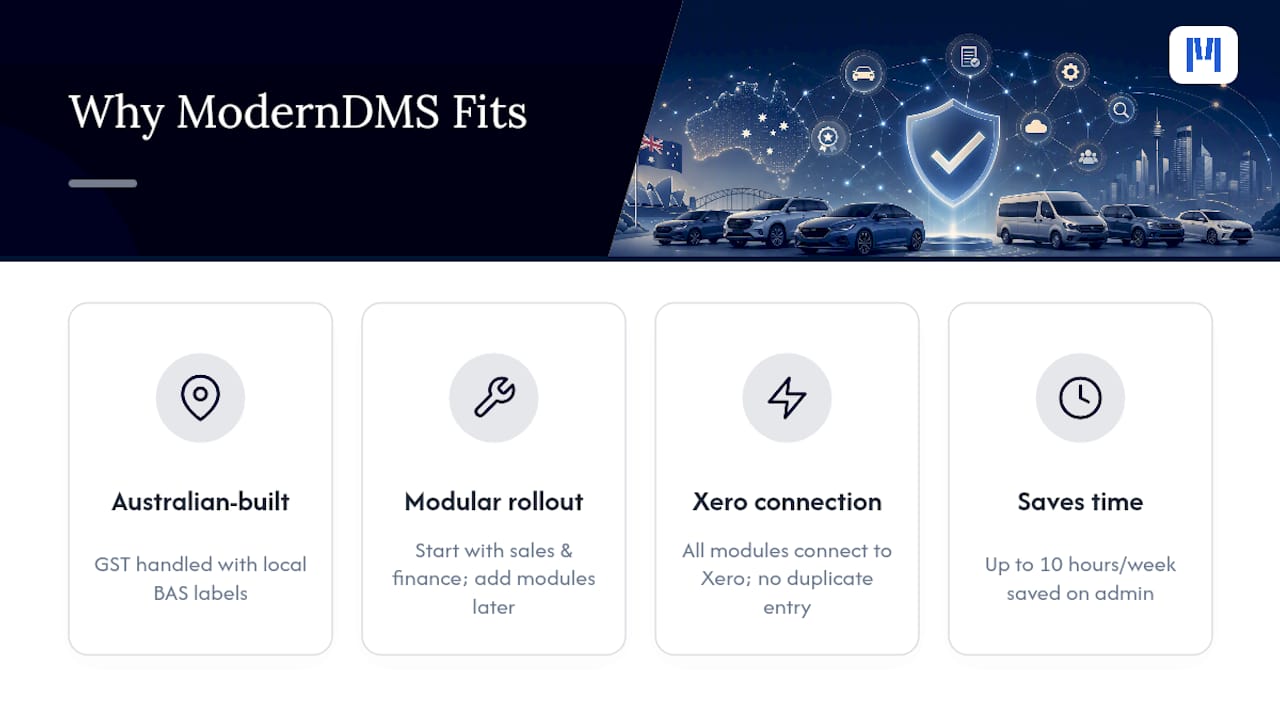
Dealers using ModernDMS report saving up to 10 hours a week on administrative tasks previously spent reconciling GST manually across systems that didn’t talk to each other.
Before you commit to any provider, including us, request an end-to-end BAS demo and a downloadable sample export. If a vendor hesitates on either, that hesitation tells you something.
— ModernDMS
Get GST-Ready With a Purpose-Built Dealership Platform
If you’re comparing GST compliance across spreadsheets, standalone accounting software, and legacy DMS platforms, you already know the gap: none of them were built specifically for equipment dealerships operating under Australian tax rules. Moderndms was.

Every module, from sales and quoting to rental contracts and warranty recovery, runs through the same GST engine, so BAS labels stay accurate whether the transaction started as a work order, a rental agreement, or a parts sale. Modular rollout means you’re not paying for features you don’t need yet, and the under-one-hour setup means your team isn’t stuck in an extended implementation project while your current BAS deadline approaches. Data ownership stays with you, with full export access built in, not negotiated after the fact.
If you sell industrial or heavy machinery, the industrial capital equipment platform is worth a look for sector-specific workflows. Otherwise, book a demo and ask us to run a live BAS trace on your own sample data before you decide.
Sources
- GST records — record keeping | Australian Taxation Office
- Digital record keeping for businesses | Australian Taxation Office
- GST governance, data testing and transaction testing — Australian Taxation Office
FAQ
What Makes Dealership Software “GST-Compliant” in Australia?
It means the system natively maps transactions to BAS labels (G1–G20, 1A/1B), maintains an immutable audit trail, and can produce a full historical data export to meet the ATO’s five-year retention rule.
How Long Must I Keep GST Records?
Australian businesses must retain GST-related records for at least five years from when the record was prepared or the transaction was completed.
What Is MLC4 Data and Transaction Testing?
It’s ATO guidance requiring businesses to test their GST data and trace sample transactions through to BAS labels, confirming their GST controls actually function as intended.
Should I Choose Native GST Compliance or an Add-On?
Native compliance is generally more reliable, since add-ons often create reconciliation gaps at exactly the moment your BAS agent needs clean data; ask for a live end-to-end BAS demo to see which category a vendor falls into.
Does ModernDMS Handle Mixed-Supply and Reverse-Charge Transactions?
ModernDMS is built around Australian BAS labels and modular workflows across sales, rental, and service, and dealers should request a live BAS demo covering mixed-supply and reverse-charge scenarios before signing.