Equipment Dealer Resources & Insights
Practical guides, industry insights, and best practices for heavy equipment dealers across Australia and New Zealand.

13 Sept 2026
6 Monthly Fixes for Rental Utilization Reporting for Equipment Dealers
Turn rental utilization reporting into a monthly management ritual. Learn the formulas, six quick fixes to raise utilization, and a low-risk MDMS...
Read the article
12 Sept 2026
4x Weekly Rule: Rental Rate Cards for Equipment Operators
Playbook for equipment rental operators: build rule-based rental rate cards, set daily from all-in cost, use 4x week/10x month multipliers, publish and...
Read the article
11 Sept 2026
Cut Config Time to 10 Minutes: DMS Build-to-Order for Dealers
Run new-unit builds as a DMS lifecycle. Use rules-based CPQ, serial-tied kitting, and one commissioning owner to cut errors and accelerate delivery.
Read the article
10 Sept 2026
8 Service KPIs That Fix WIP and Cash for Equipment Dealers
Track eight service KPIs monthly, assign owners, and use your DMS to cut WIP cycle time, raise first time fix rate, and recover cash flow.
Read the article
10 Sept 2026
Stop Rekeying: Paperless Job Cards for Field Teams in 4–8 Weeks
Move your field team off paper in 4–8 weeks. Offline mobile capture, Xero integration, and a pilot first rollout cut rekeying and speed up invoicing.
Read the article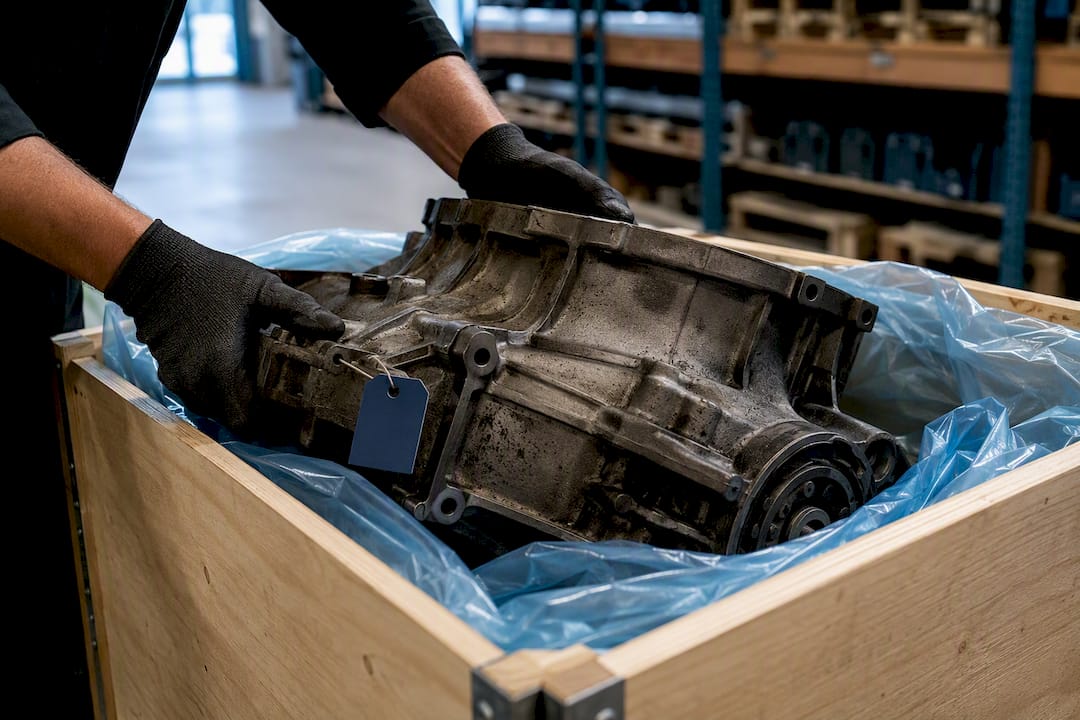
9 Sept 2026
Get Your Core Charge Back Faster in 1–8 Weeks
Exact steps to return core parts, avoid battery hazmat rejections, and speed refunds. What to pack, paperwork to save, and typical 1–8 week timelines.
Read the article
8 Sept 2026
Get Audit Ready in 3 Months: Audit Trails for Australian Dealerships
Compliance first guide for Australian dealerships. See which audit trail fields matter, use the 7 step demo checklist, and produce exports ready for audits.
Read the article
6 Sept 2026
3 Contract Demands Equipment Dealers Must Test to Protect DMS Data
Three contract demands that protect your DMS data: request a sample export, written transitional support, and transparent exit fees.
Read the article
5 Sept 2026
Save 10 Hours: AI Service Scheduling Playbook for Equipment Dealers
A practical playbook for equipment dealers to deploy AI service scheduling with ModernDMS. Pilot in 2–6 weeks and save up to 10 hours a week.
Read the article
4 Sept 2026
86–94% Case: Drop Ship vs Stock and SKU Rules for Equipment Dealers
SKU by SKU framework for equipment dealers to choose dropship or stock. Includes pilot steps, benchmarks (86–94% fill rate case), and MDMS-backed controls.
Read the article
3 Sept 2026
Stop 180 Day Write Offs With 3 Dead Stock Reduction Habits for Dealers
Stop inventory write offs before 180 days with three dealer habits: detect slow movers early, set dynamic reorder points, and use staged clearances.
Read the article
2 Sept 2026
Go Live in 6–16 Weeks: DMS Implementation Time for Equipment Dealers
Practical DMS implementation time for equipment dealers: hit a first revenue workflow in 6–16 weeks, test writebacks early, and use a modular MDMS rollout.
Read the article
1 Sept 2026
7 Demo Checks to Verify GST Compliant Dealership Software in Australia
Confirm BAS G1–G20 and 1A/1B mapping, immutable audit trails, mixed supply splits, and five year exports with an ATO mapped demo checklist.
Read the article
31 Aug 2026
Fix Repeat Visits in 30 Days: Parts Fill Rate Playbook for Dealers
Dealer playbook to raise parts fill rate, cut repeat visits and MTTR within 30 days, and use integrated DMS workflows to close shortages fast.
Read the article
30 Aug 2026
Close Returns in 6 Steps: Supplier RMA Process for Procurement Teams
Practical RMA steps for procurement teams: a 6 step supplier RMA workflow with SOP checkpoints, SLA terms, evidence fields, and automation options.
Read the article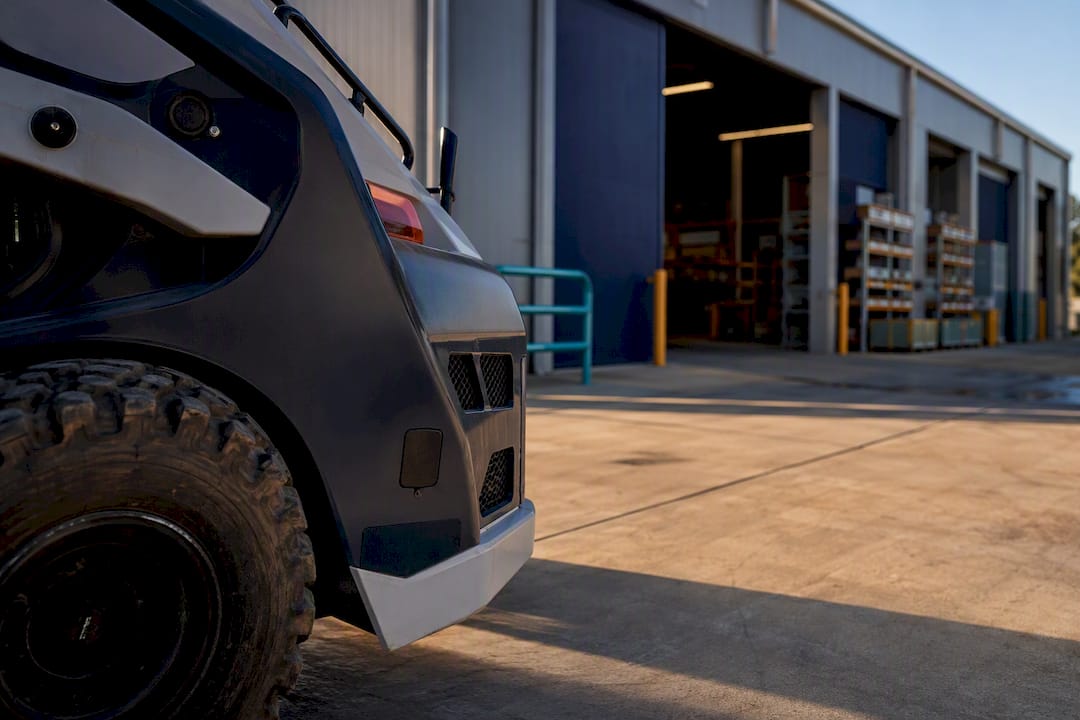
29 Aug 2026
Save Up to 10 Hours With Your DMS: Asset Tracking for Equipment Dealers
Make your DMS the single source for units, parts and rentals. Demo-ready vendor questions and a modular rollout to reclaim up to 10 admin hours a week.
Read the article
28 Aug 2026
Close a Dealership Month End in 3 Days Without Extra Headcount
Adopt a controller's day-by-day routine to finish a dealership month end close in three business days: enforce cutoff, prioritize reconciliations, secure...
Read the article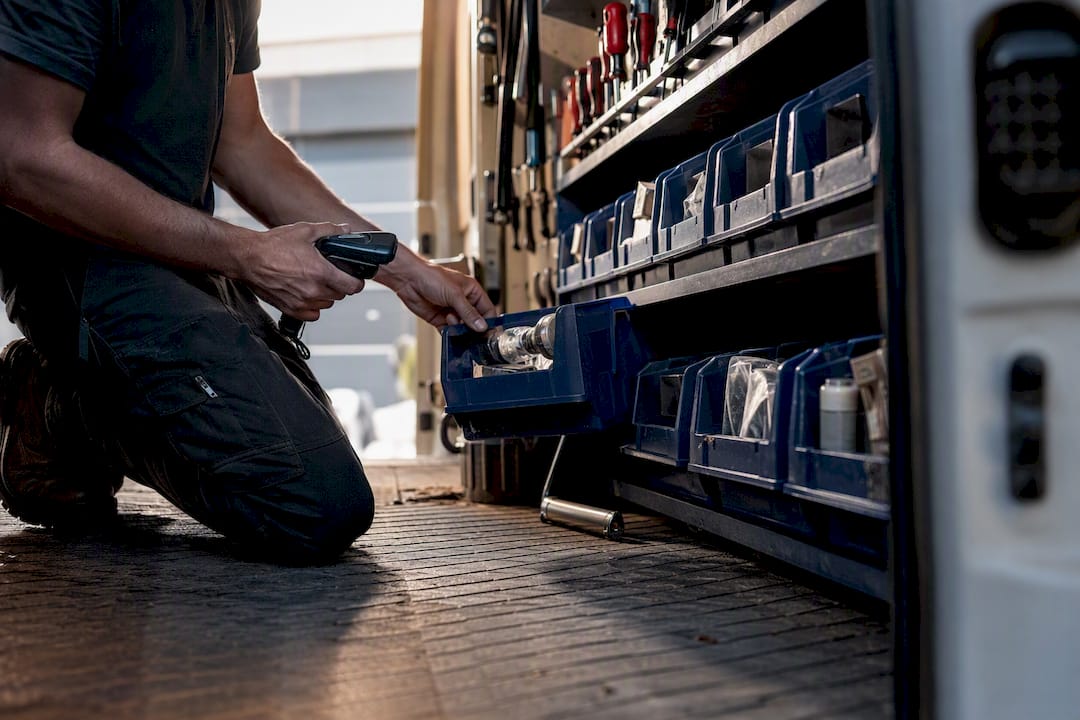
27 Aug 2026
Cut Emergency Parts Runs With a 50 SKU Van Inventory Par List
Use a par level method, a five minute van checklist, and a 50 SKU par list per truck type to cut emergency parts runs and boost first-time fixes.
Read the article
25 Aug 2026
Supplier Management for Dealerships: A Practical Operating Guide
Streamline your supplier management for dealerships by centralizing data and improving operations to reduce disputes and maximize efficiency.
Read the article
24 Aug 2026
Migrating Data From a Legacy DMS Without Losing History
Ensure a smooth data migration from your legacy DMS by following essential steps. Avoid pitfalls and preserve vital information with our guide.
Read the article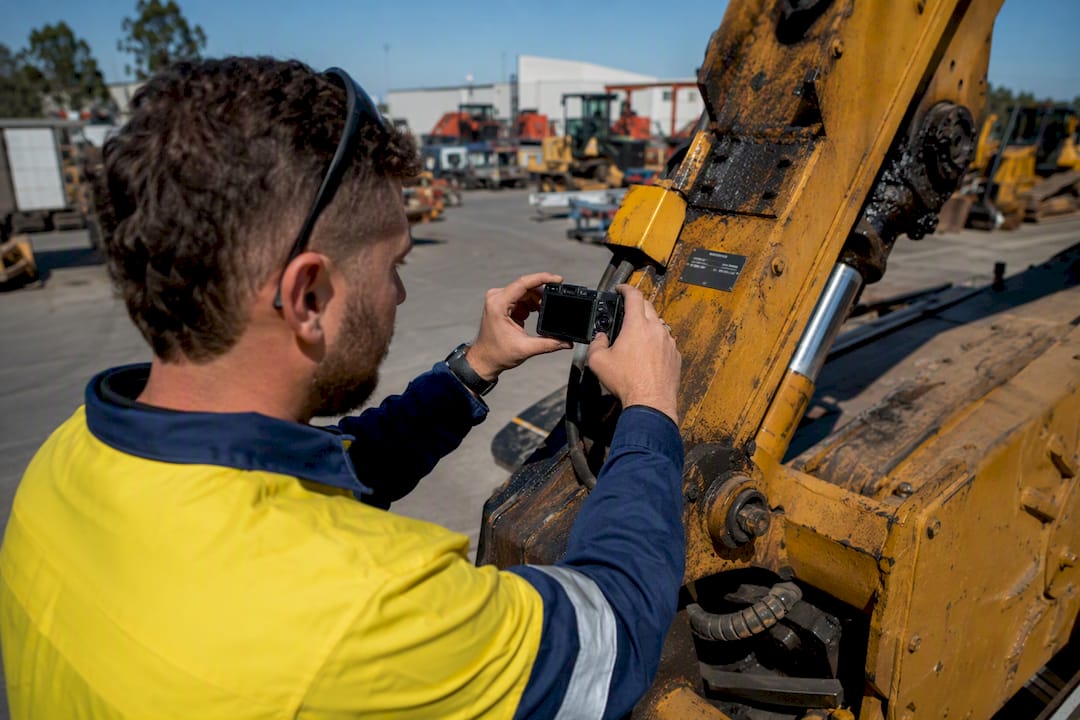
23 Aug 2026
A Repeatable Trade-In Appraisal Process for Equipment Dealers
Streamline your trade-in appraisal process with a structured approach that enhances consistency and speeds up equipment turnover.
Read the article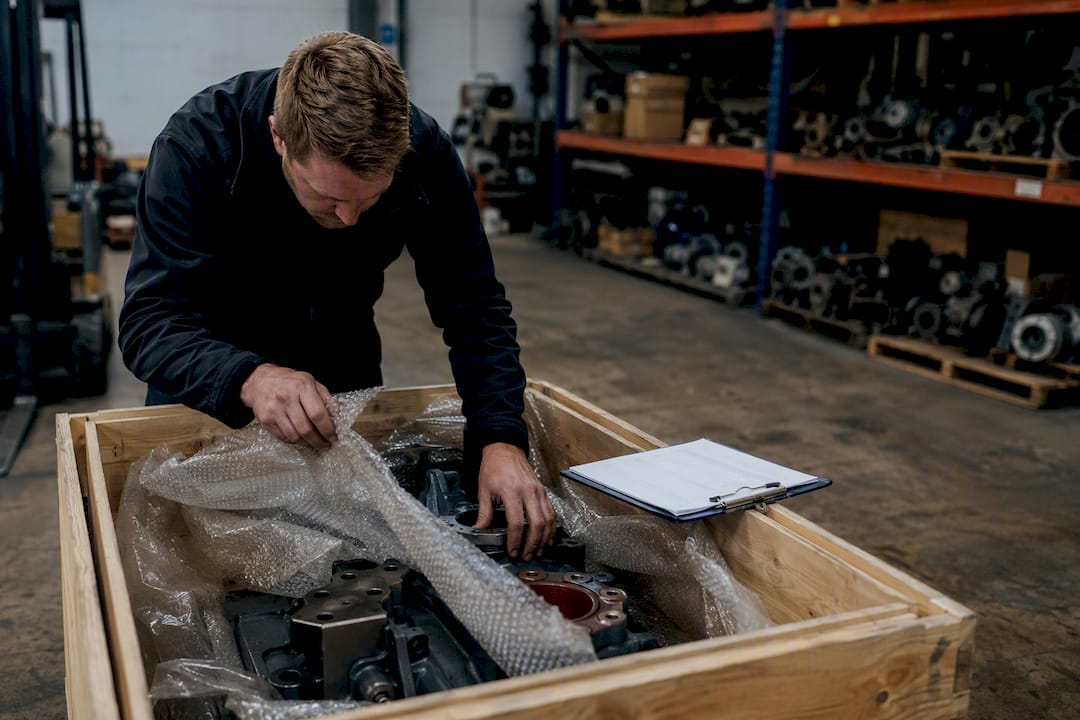
22 Aug 2026
Supplier Lead Time Tracking: A Dealer's Playbook
Master supplier lead time tracking to reduce stockouts, improve efficiency, and gain visibility into delays. Streamline your operations today!
Read the article
21 Aug 2026
What Is Asset Lifecycle Tracking and Why Does It Matter?
Discover how asset lifecycle tracking enhances decision-making, improves uptime, and drives better capital returns for your organization.
Read the article
20 Aug 2026
Recover Rental Damage Costs Faster With the Right Process
Streamline your rental damage recovery process with immediate inspections, detailed documentation, and timely charges for faster reimbursements.
Read the article
19 Aug 2026
What a WIP Reporting Service Should Actually Deliver
Discover how the right WIP reporting service can protect your margins, free up working capital, and catch profit fade before it’s too late.
Read the article
18 Aug 2026
Parts Kitting Process: A Downtime-Reduction Checklist
Streamline your operations with an effective parts kitting process that reduces downtime and boosts technician efficiency. Start today!
Read the article
17 Aug 2026
Rental Rate Calculation Methods for Equipment Businesses
Master rental rate calculation methods to ensure your equipment business covers costs and maximizes profits. Explore various strategies today!
Read the article
17 Aug 2026
Warranty Accrual Accounting: Recognition, Measurement, Entries
Master warranty accrual accounting by understanding recognition, measurement, and essential standards. Ensure accurate financial reporting.
Read the article
15 Aug 2026
Stocktake in Dealership: A Practical Operations Playbook
Optimize your dealership’s inventory with a proven stocktake strategy. Discover effective counting methods to reduce shrinkage and improve accuracy.
Read the article
14 Aug 2026
Parts Catalog Management: Fixing Data to Cut Wrong Orders
Improve parts catalog management to reduce wrong orders, cut returns, and boost service efficiency. Learn key strategies for success.
Read the article
13 Aug 2026
Dealer CRM Pipeline Blueprint for Sales Managers
Unlock your sales potential with a structured dealer CRM pipeline. Learn to define stages, set criteria, and boost lead response today!
Read the article
12 Aug 2026
Dropship Purchase Orders: A Practical Guide for Dealers
Master the art of dropship purchase orders with our practical guide, ensuring seamless fulfillment and efficient invoicing for your business.
Read the article
11 Aug 2026
Service Booking Portal for Equipment Dealers: Evaluate & Deploy
Transform your dealership with a DMS-integrated service booking portal, streamlining customer requests and technician scheduling effortlessly.
Read the article
10 Aug 2026
Parts Lookup Process for Technicians: Accurate, Fast Ordering
Discover a streamlined parts lookup process with three easy steps. Maximize efficiency in ordering and reduce wrong-part returns.
Read the article
9 Aug 2026
Pre-Delivery Inspection: What Car Buyers Need to Check
Ensure your new car is perfect with a thorough pre-delivery inspection. Verify every feature, document defects, and secure remedies before signing.
Read the article
8 Aug 2026
Cycle Counting Parts: A Practical SOP for Warehouses
Master cycle counting parts to enhance inventory accuracy without full shutdowns. Optimize your workflow with our effective step-by-step guide!
Read the article
7 Aug 2026
How to Master the Quote-to-Order Process in B2B Sales
Master the quote-to-order process in B2B sales to streamline transactions, reduce friction, and improve efficiency. Start optimizing today!
Read the article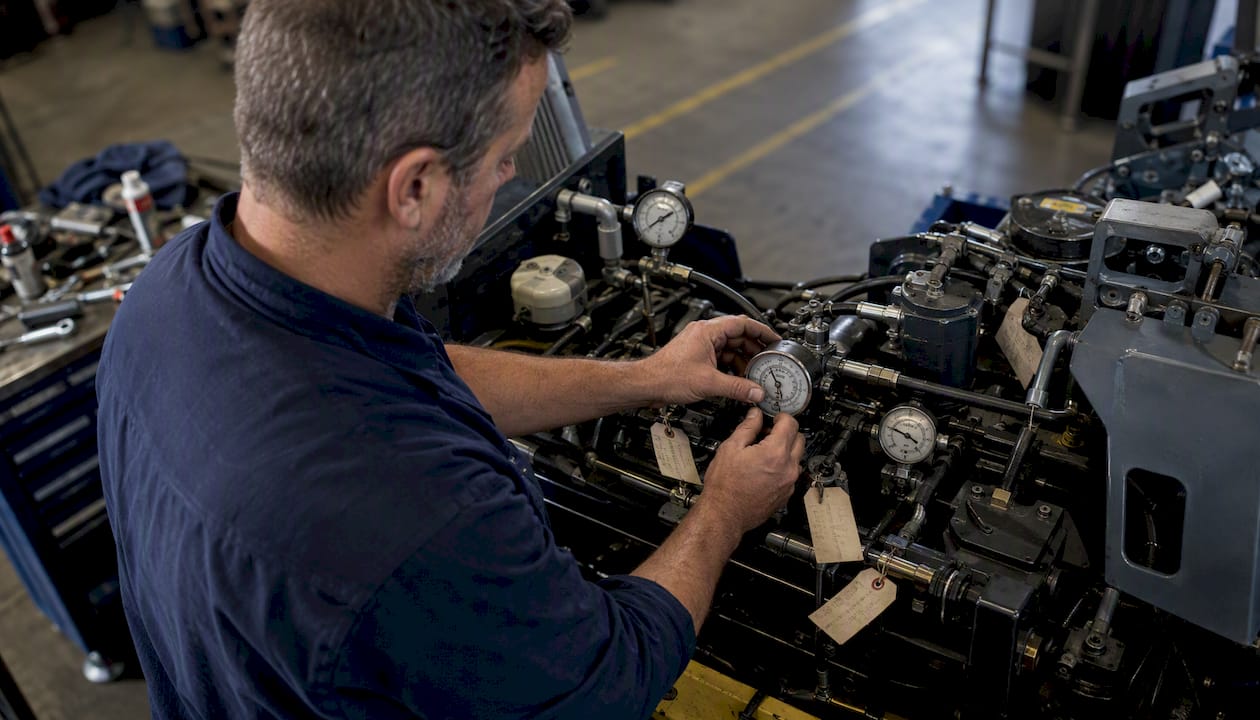
6 Aug 2026
SLA Tracking Services: A Practical Guide for 2026
Discover how SLA tracking services can enhance your service performance, provide real-time alerts, and streamline compliance reporting in 2026.
Read the article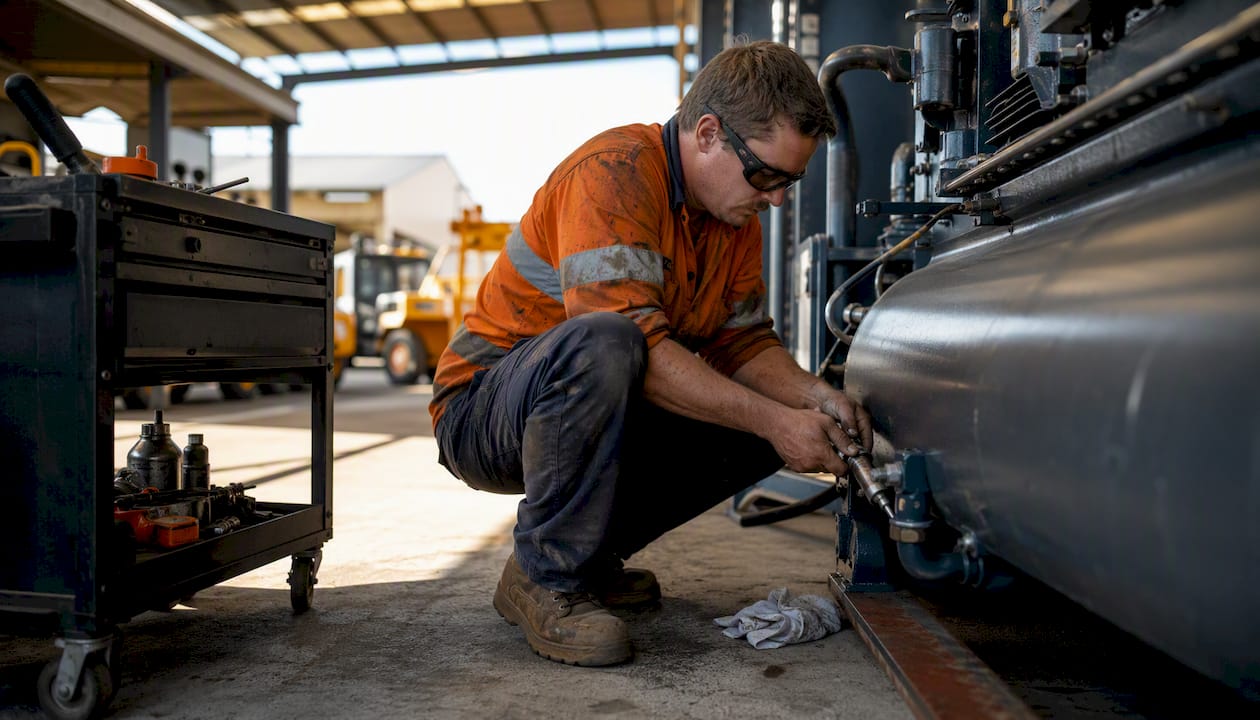
5 Aug 2026
Preventive Maintenance Plans: A Practical Guide for Facility Managers
Discover essential preventive maintenance plans to reduce asset failures. Learn to build an effective strategy and involve your team for success.
Read the article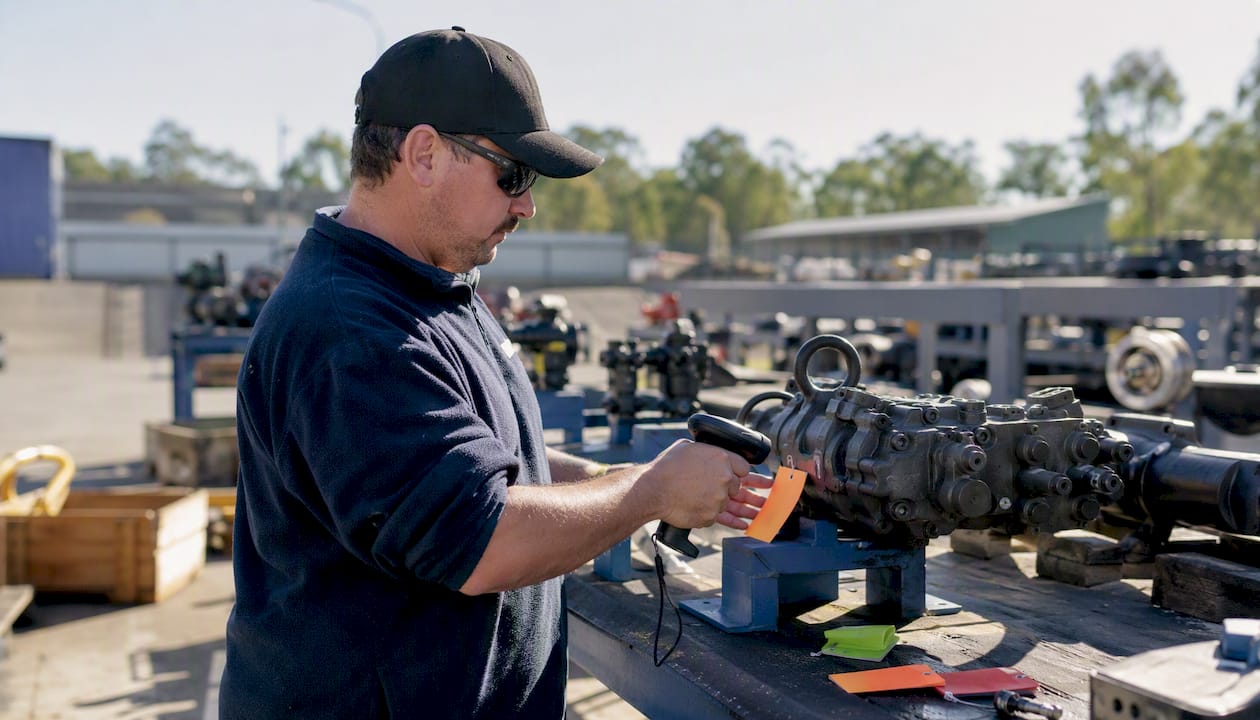
4 Aug 2026
Consignment Stock Management: Australian Dealer Guide
Master consignment stock management with our comprehensive Australian dealer guide. Learn best practices for agreements, tracking, and compliance.
Read the article
3 Aug 2026
Three-Way Matching for AP Teams: A Practical Guide
Discover how three way matching enhances AP efficiency, prevents overpayments, and reduces disputes in your business operations.
Read the article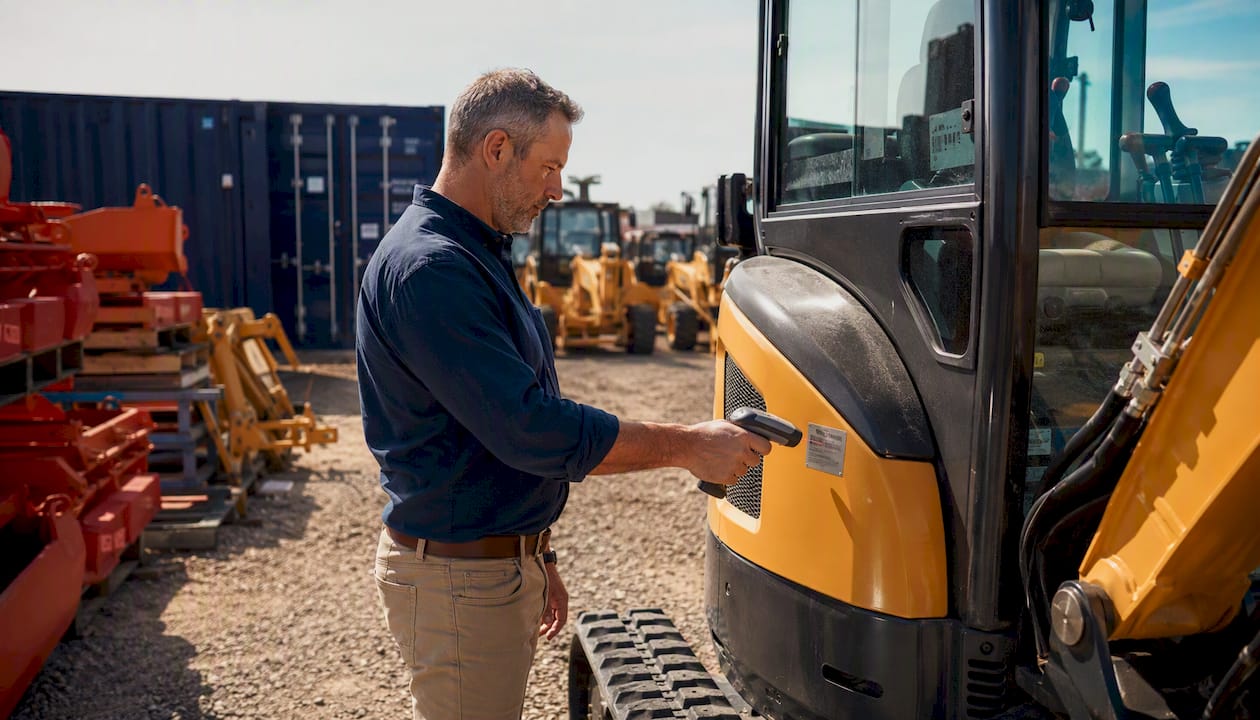
2 Aug 2026
Serialized Inventory Tracking: A Practical Guide for Dealers
Discover how serialized inventory tracking enhances efficiency, reduces losses, and improves warranty handling for dealers and asset-heavy businesses.
Read the article
1 Aug 2026
Field Service Scheduling for Equipment Dealers: 2026 Guide
Master field service scheduling with data-driven job durations, zone-based dispatch, and mobile tech to boost efficiency and profits.
Read the article
31 July 2026
Best Dealership CRM for Australian Equipment Dealers
Discover the best dealership CRM for Australian equipment dealers. Integrate sales, service, and finance for real-time insights and efficiency.
Read the article
30 July 2026
First Time Fix Rate: A Field Service Manager's Guide
Discover how to improve your first time fix rate and streamline your field service operations. Enhance efficiency and boost customer satisfaction.
Read the article
29 July 2026
Customer Service Portal for Equipment Dealers: Cut Calls, Capture Parts Sales
Transform your dealership with a customer service portal. Cut calls, boost parts sales, and enhance customer retention with ease!
Read the article
28 July 2026
Inventory Tracking System for Equipment Dealers: 2026 Guide
Discover what is inventory tracking system and how it boosts efficiency for equipment dealers. Gain real-time control over stock and sales.
Read the article
27 July 2026
How to Get Equipment Finance for Australian Dealers
Learn how to get equipment finance in Australia. Discover the best structures, gather essential documents, and find the right lender today!
Read the article
26 July 2026
Warranty Claims Management Software for Australian Equipment Dealers
Discover top warranty claims management software for Australian equipment dealers. Maximize ROI and streamline your claims process today!
Read the article
25 July 2026
Dealership Software With Offline App: Australia Guide
Discover the best dealership software with offline app in Australia. Moderndms empowers equipment dealers to manage operations seamlessly, even offline.
Read the article
24 July 2026
Inventory Management Software for Dealerships: DMS Guide
Discover the best inventory management software for dealerships. Streamline lifecycle tracking, and optimize your operations with a tailored DMS.
Read the article
23 July 2026
Inventory Management System for Xero: Equipment Dealer Guide
Discover the ideal inventory management system for Xero. Streamline your equipment dealership's operations and boost financial accuracy today!
Read the article
22 July 2026
How to Reduce Admin Tasks in Your Equipment Dealership
Discover how integrated dealer management software can reduce admin tasks in dealership, streamline operations, and boost productivity.
Read the article
21 July 2026
How to Fix Dealership Inventory Issues in 2026
Learn how to fix dealership inventory issues effectively with real-time visibility and integrated software. Boost efficiency and reduce costs!
Read the article
20 July 2026
Best HBS Systems Alternatives for Australian Equipment Dealers
Discover the best HBS Systems alternatives for Australian equipment dealers. Explore five top software options to enhance your dealership today!
Read the article
19 July 2026
Inventory Tracking for Australian Businesses: 2026 Guide
Discover what is inventory tracking and why it’s vital for Australian businesses. Learn to optimize stock management and ensure compliance.
Read the article
19 July 2026
Best Dealer Management System Apps in Australia 2026
Discover the best dealer management system app options in Australia for 2026. Streamline your dealership operations and boost efficiency today!
Read the article
18 July 2026
Best Integrated Finance Solutions in Australia: 2026 Guide
Discover the best integrated finance solutions in Australia for 2026. Streamline your financial processes and enhance business performance today!
Read the article
18 July 2026
Best Workshop Management Software Australia: 2026 Guide
Discover the best workshop management software Australia offers. Explore top platforms, features, and benefits tailored for your business in 2026.
Read the article
17 July 2026
CPQ Quoting Tools for Dealers: Australia's Top Picks
Discover the best CPQ quoting tools for dealers in Australia. Explore options like Oracle and MeMate to streamline your quoting processes!
Read the article
17 July 2026
Top 3 Dealer Management System Alternatives 2026
Explore 3 dealer management system alternatives to make informed choices for improved efficiency and less administrative burden.
Read the article
16 July 2026
Top 5 Equipment Rental Fleet Management Software Alternatives 2026
Explore 5 equipment rental fleet management software alternatives to make informed decisions for your business's operational efficiency.
Read the article
15 July 2026
Top 4 Cloud-Based Dealer Management System Alternatives 2026
Compare 4 cloud-based dealer management system alternatives to find the best fit for your dealership and enhance operations effectively.
Read the article
14 July 2026
Top 5 Dealer Management System Alternatives 2026
Explore this dealer management system comparison of 5 top alternatives. Decide which software best suits your dealership's operational needs.
Read the article
12 July 2026
Top 6 CRM for Equipment Dealers Alternatives 2026
Explore 6 CRM for equipment dealers alternatives to enhance operations and customer relationships in your dealership management.
Read the article
11 July 2026
Accounts Payable Automation Australia: 2026 Guide
Discover essential insights on accounts payable automation in Australia. Streamline invoicing, ensure compliance, and boost cash flow in 2026.
Read the article
10 July 2026
Inventory Management System Examples for 2026
Discover essential inventory management system examples for 2026. Learn how the right tools improve stock tracking and decision-making.
Read the article
10 July 2026
Service Report Best Practices for Equipment Dealers
Discover best practices for creating a service report that boosts revenue, reduces disputes, and builds customer trust for equipment dealers.
Read the article
9 July 2026
Service Management Tools List for Equipment Dealerships
Discover the essential service management tools list for equipment dealerships. Streamline workflows and boost productivity to maximize profits.
Read the article
Ready to modernise your dealership?
MDMS gives equipment dealers a single platform for service, sales, rental, and parts management.
What we write about
The MDMS blog is written for equipment, machinery and capital-goods dealerships across Australia and New Zealand. Instead of generic software advice, every article is grounded in the way dealers actually run their businesses — quoting and configuring complex equipment, building and commissioning units, keeping the workshop full and profitable, managing parts and stock, running rental fleets and reconciling finance. Below are the topic areas you'll find as the library grows.
Topics we cover
Dealer management
Running a multi-branch dealership on a single platform — CRM, sales and CPQ quoting, and the day-to-day operations that tie sales, service, rental and parts together.
Workshop & field service
Service operations from the workbench to the worksite: work orders, labour recovery, technician scheduling, and capturing jobs in the field with the offline service app.
Rental fleet
Managing rental contracts and fleet utilisation so machines are earning rather than sitting idle, and so off-hire, returns and billing stay accurate.
Parts & inventory
Keeping the parts department under control — stock turns, fill rates, supersession and the warehouse workflows that prevent obsolescence and stockouts.
Finance & invoicing
Invoicing, payments and reconciliation, including how MDMS syncs with Xero so finance numbers tie out.
Industry insights
Perspective on where dealer management software is heading and how modern cloud platforms are changing the way equipment dealerships operate.